> For the complete documentation index, see [llms.txt](https://docs.world-creator.com/llms.txt). Markdown versions of documentation pages are available by appending `.md` to page URLs; this page is available as [Markdown](https://docs.world-creator.com/zh/ru-men/activation.md).
# 激活
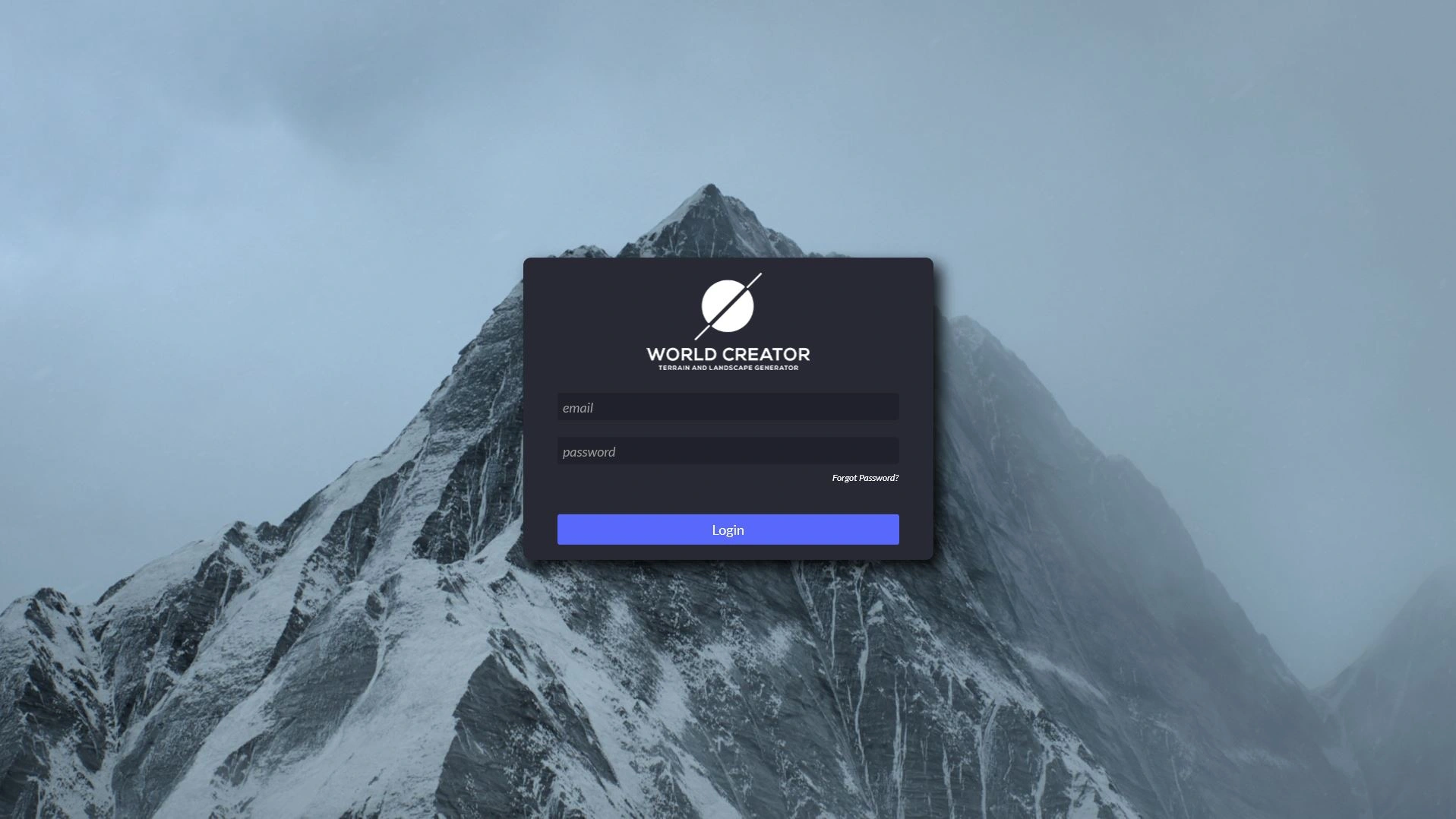
启动 World Creator 时,软件会提示您输入登录详细信息。屏幕显示如下:
World Creator 的许可系统允许您为每个帐户管理多个席位。如果您作为个人购买了 World Creator,您不仅是用户还是帐户管理员。作为购买了 World Creator 的公司,您可能希望将席位分配给员工、续订维护计划等。
重要的是,上述激活/登录请求针对的是用户的席位登录凭据,而不是其帐户登录凭据。
因此,要使用 World Creator,您必须拥有已分配的有效席位。要分配或重新分配席位,请通过我们的网站登录客户门户。
为了快速回顾购买后立即分配席位的流程,请执行以下步骤:
1. 登录客户门户
2. 转到“许可”部分
3. 找到尚未分配的席位
4. 点击“分配”按钮
5. 在显示的表单中输入有效电子邮件并复制密码
6. 点击“分配许可”按钮
使用为该席位提供的电子邮件地址和系统生成的密码来激活 World Creator。
---
# Agent Instructions
This documentation is published with GitBook. GitBook is the documentation platform designed so that both humans and AI agents can read, navigate, and reason over technical content effectively. Learn more at gitbook.com.
## Querying This Documentation
If you need additional information that is not directly available in this page, you can query the documentation dynamically by asking a question.
Perform an HTTP GET request on the current page URL with the `ask` query parameter, and the optional `goal` query parameter:
```
GET https://docs.world-creator.com/zh/ru-men/activation.md?ask=&goal=
```
`ask` is the immediate question: it should be specific, self-contained, and written in natural language.
`goal` is optional and describes the broader end goal you are ultimately trying to accomplish on behalf of the user. GitBook uses it to tailor the answer towards what is most useful for that goal.
The response will contain a direct answer to the question and relevant excerpts and sources from the documentation.
Use this mechanism when the answer is not explicitly present in the current page, you need clarification or additional context, or you want to retrieve related documentation sections.