> For the complete documentation index, see [llms.txt](https://docs.world-creator.com/llms.txt). Markdown versions of documentation pages are available by appending `.md` to page URLs; this page is available as [Markdown](https://docs.world-creator.com/zh/cao-zuo-zhi-nan/crafting-a-shape/create-a-volcano.md).
# 调整种子
从之前的文章中,你现在应该对 World Creator 的操作有了基本了解。让我们通过创建一个沙质河谷来开始制作一个真实的地形。
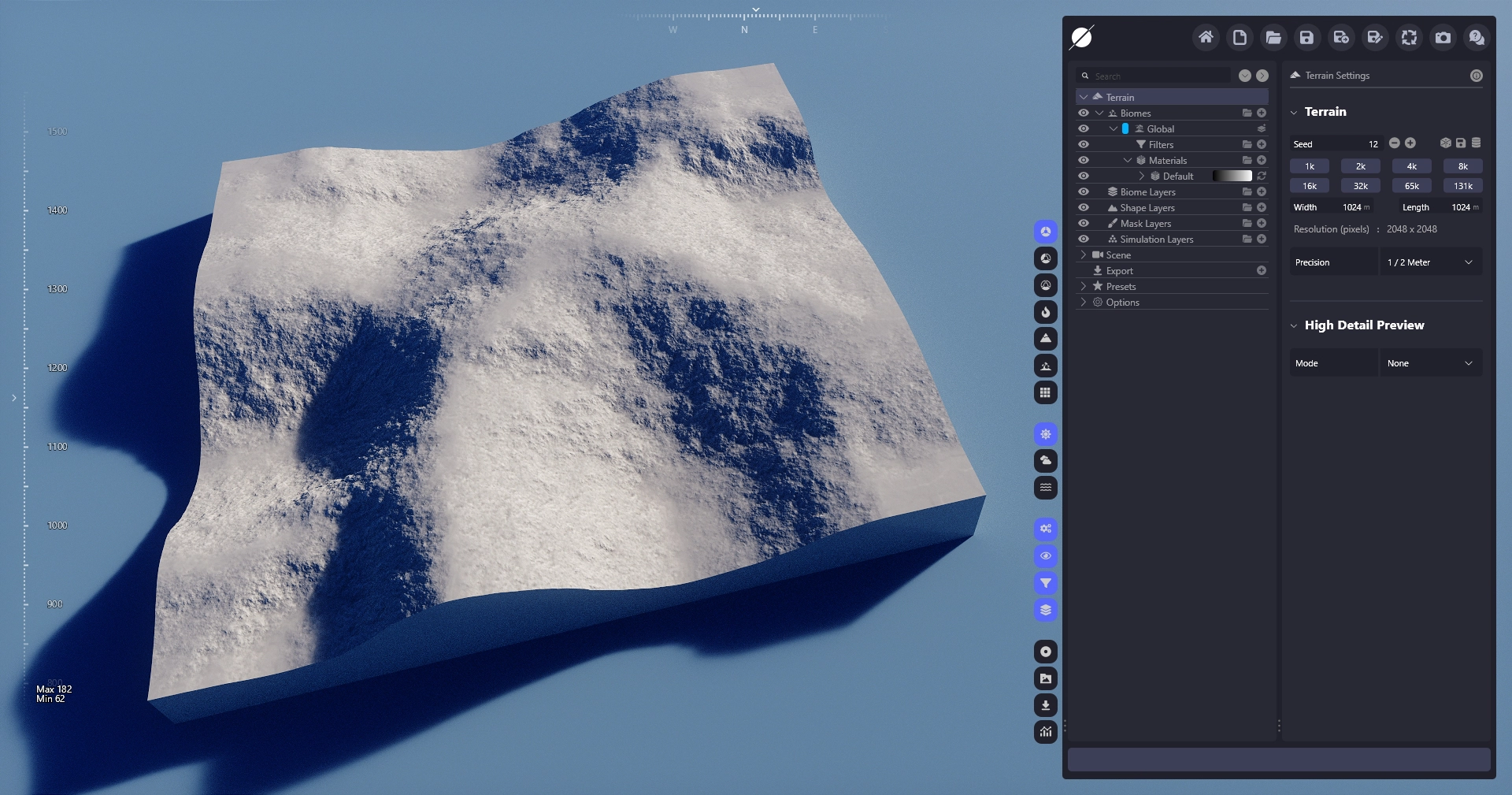
我们首先通过增加基础地形的种子,让它更符合我们想要的外观。我们在主 [地形设置面板](/zh/can-kao/terrain.md).
{% hint style="info" %}
在地形设置中更改种子会全局调整它,这意味着它也会更改所有其他元素(例如形状图层、滤镜和分布)的种子。要局部更改种子,只需在要调整的元素中更改它。
{% endhint %}
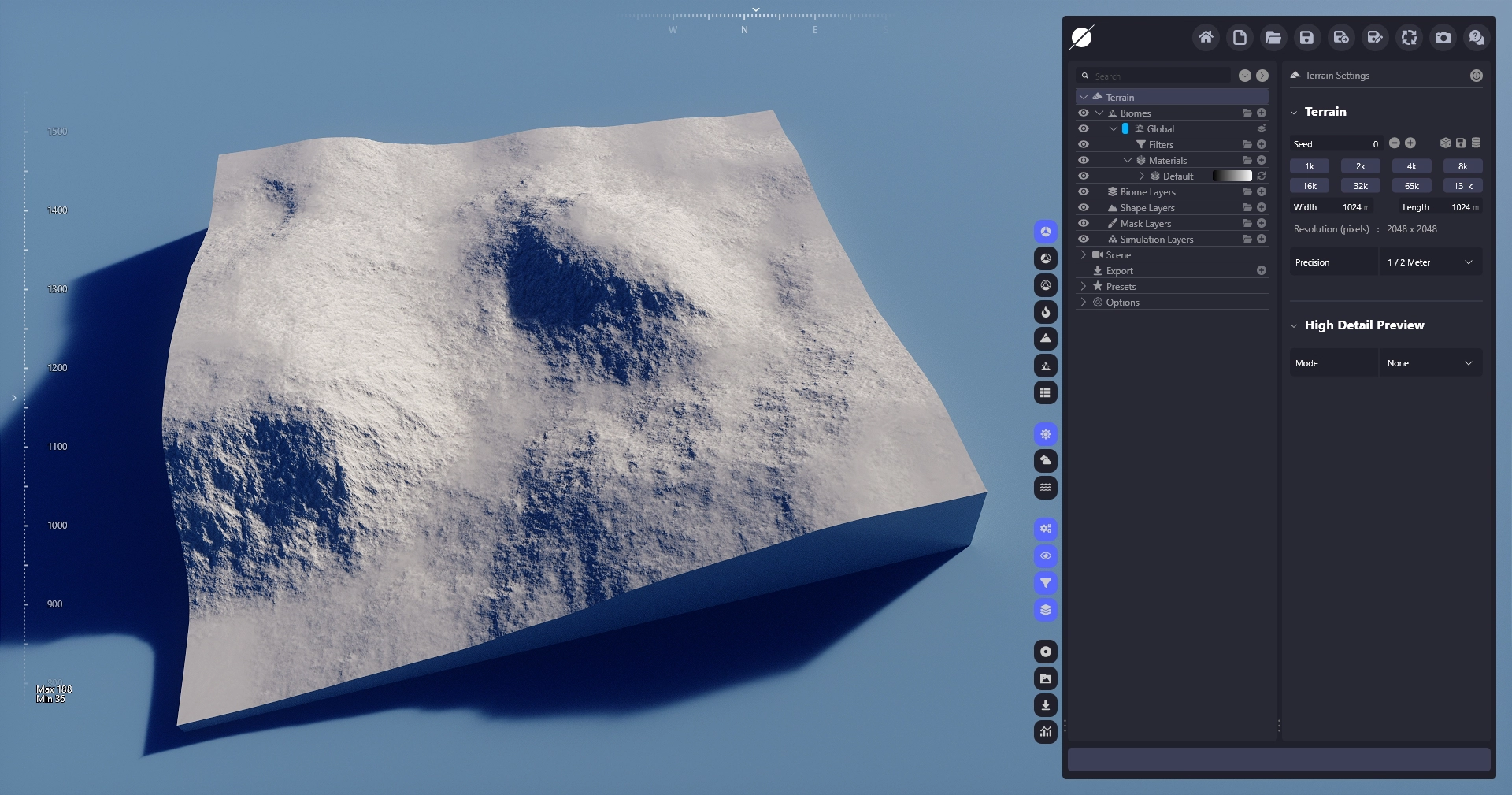
基础种子
种子已设置为 12
---
# Agent Instructions
This documentation is published with GitBook. GitBook is the documentation platform designed so that both humans and AI agents can read, navigate, and reason over technical content effectively. Learn more at gitbook.com.
## Querying This Documentation
If you need additional information that is not directly available in this page, you can query the documentation dynamically by asking a question.
Perform an HTTP GET request on the current page URL with the `ask` query parameter, and the optional `goal` query parameter:
```
GET https://docs.world-creator.com/zh/cao-zuo-zhi-nan/crafting-a-shape/create-a-volcano.md?ask=&goal=
```
`ask` is the immediate question: it should be specific, self-contained, and written in natural language.
`goal` is optional and describes the broader end goal you are ultimately trying to accomplish on behalf of the user. GitBook uses it to tailor the answer towards what is most useful for that goal.
The response will contain a direct answer to the question and relevant excerpts and sources from the documentation.
Use this mechanism when the answer is not explicitly present in the current page, you need clarification or additional context, or you want to retrieve related documentation sections.