> For the complete documentation index, see [llms.txt](https://docs.world-creator.com/llms.txt). Markdown versions of documentation pages are available by appending `.md` to page URLs; this page is available as [Markdown](https://docs.world-creator.com/zh/can-kao/terrain/sheng-wu-qun-xi/filters/effect/kuwahara.md).
# Kuwahara
## **概览**
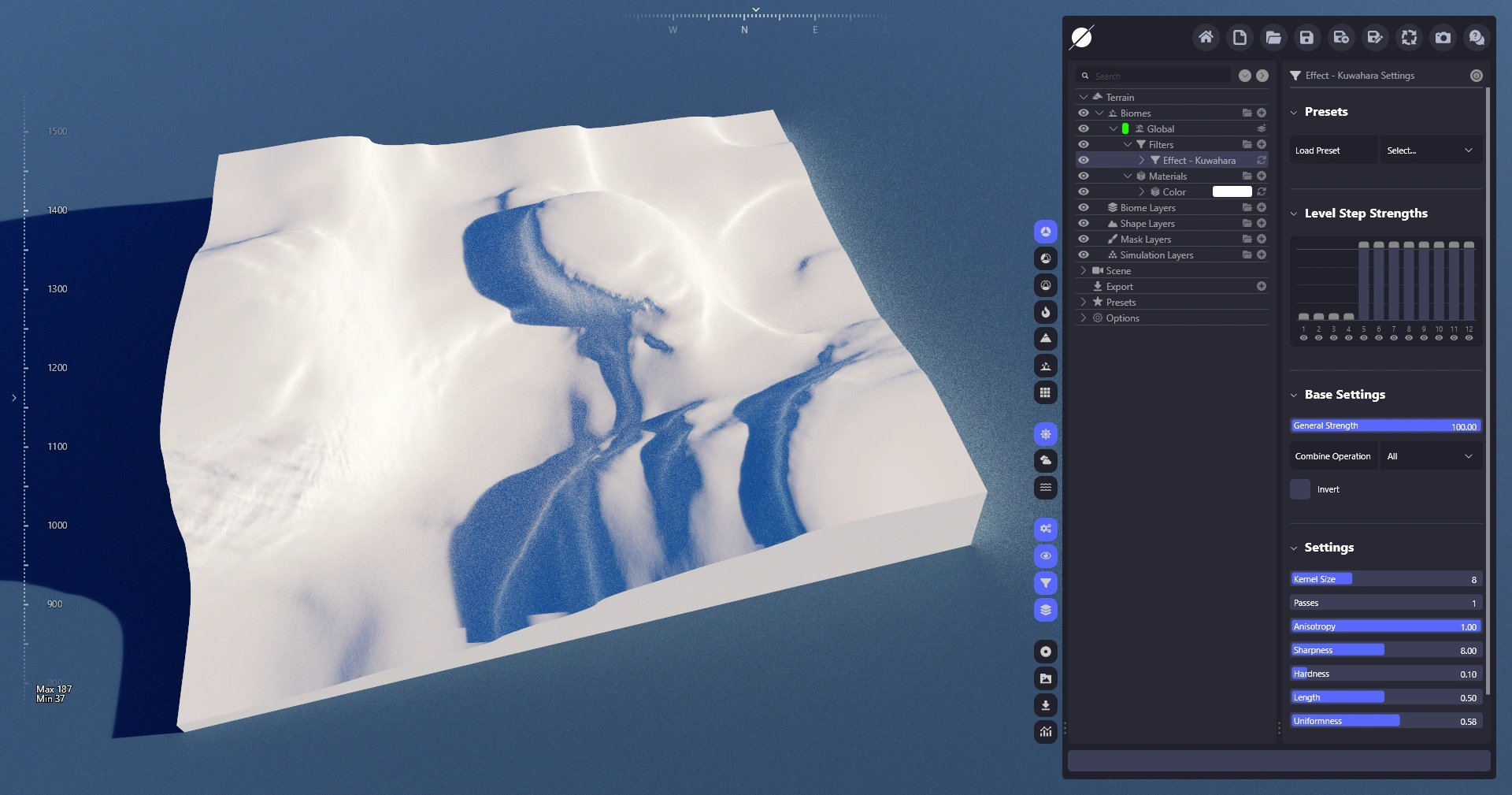
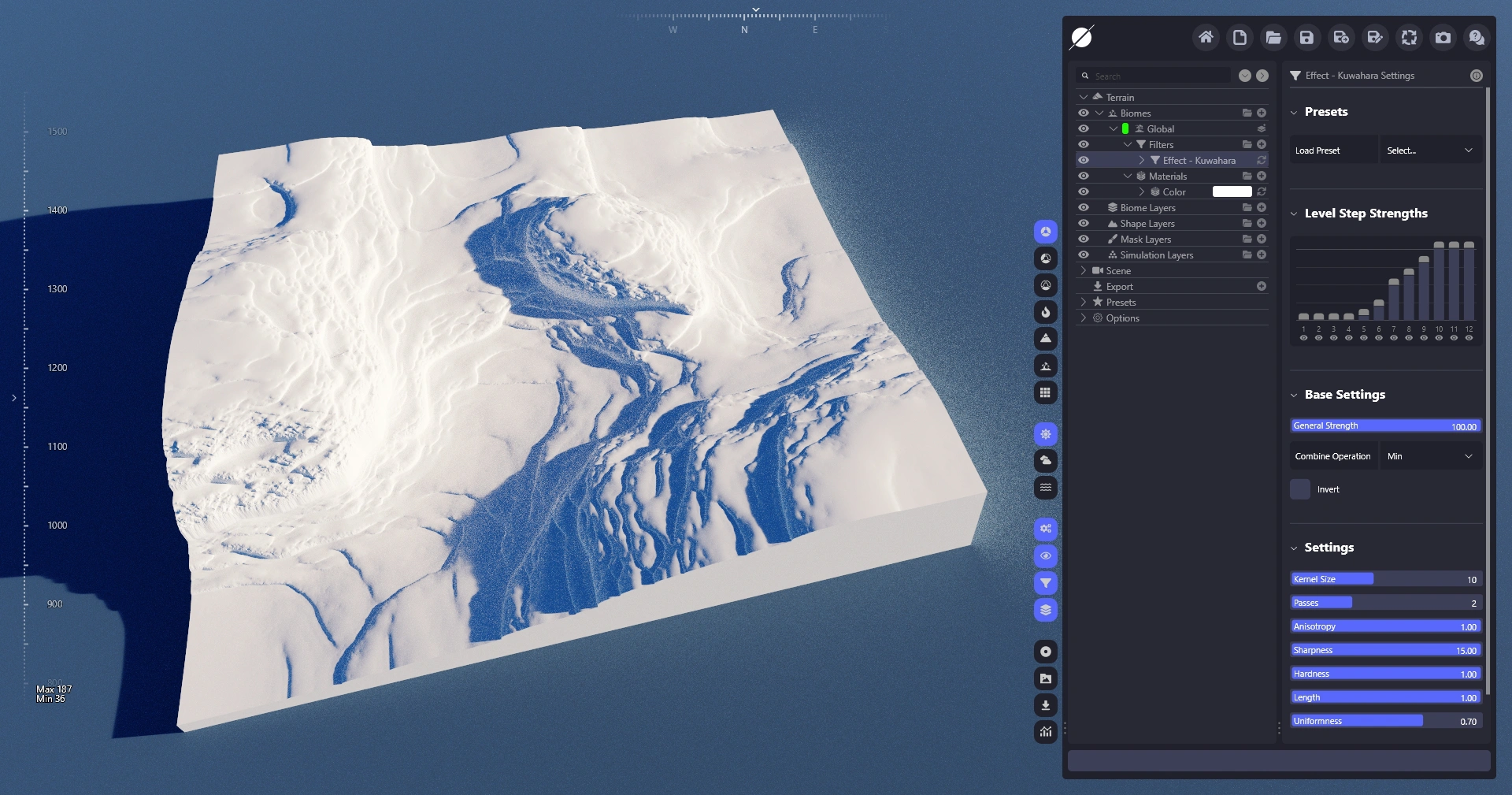
Kuwahara 滤镜对地形应用 Kuwahara 模糊,这是一种不同类型的模糊算法,试图保留边缘线条和高频细节。通过它可以用于抹平低频区域并创建整体更具绘画感的更直的形状。
## **参数**
属性
描述
卷积核大小
滤镜使用的卷积核的距离。较高的值表示每个像素操作的区域更大。
迭代次数
滤镜在每个步骤运行的迭代次数。较高的值会产生更强的效果。
各向异性
在采样算法中使用与边缘对齐的法线,从而更好地保留边缘。
锐度
控制边缘保留的锐利程度。
硬度
控制不同模糊区域之间的硬度。
长度
缩放单个边缘斑点的长度。
均匀性
在模糊区域之间创建更多差异。
Zeta
用于缩放模糊区域的额外控制。
## **结果**
---
# Agent Instructions
This documentation is published with GitBook. GitBook is the documentation platform designed so that both humans and AI agents can read, navigate, and reason over technical content effectively. Learn more at gitbook.com.
## Querying This Documentation
If you need additional information that is not directly available in this page, you can query the documentation dynamically by asking a question.
Perform an HTTP GET request on the current page URL with the `ask` query parameter, and the optional `goal` query parameter:
```
GET https://docs.world-creator.com/zh/can-kao/terrain/sheng-wu-qun-xi/filters/effect/kuwahara.md?ask=&goal=
```
`ask` is the immediate question: it should be specific, self-contained, and written in natural language.
`goal` is optional and describes the broader end goal you are ultimately trying to accomplish on behalf of the user. GitBook uses it to tailor the answer towards what is most useful for that goal.
The response will contain a direct answer to the question and relevant excerpts and sources from the documentation.
Use this mechanism when the answer is not explicitly present in the current page, you need clarification or additional context, or you want to retrieve related documentation sections.