> For the complete documentation index, see [llms.txt](https://docs.world-creator.com/llms.txt). Markdown versions of documentation pages are available by appending `.md` to page URLs; this page is available as [Markdown](https://docs.world-creator.com/zh/can-kao/terrain/shape-layers/primitive.md).

# 基元

## 概述 <a href="#overview" id="overview"></a>

原始图层提供了能够快速将简单几何形状添加到地形基底的功能。

## 视频指南

{% embed url="<https://vimeo.com/1029705546>" %}
World Creator 指南
{% endembed %}

### 可用的原始图层 <a href="#different-shape-types" id="different-shape-types"></a>

目前这些原始形状可在 World Creator 中使用。未来更新可能会包含新类型，如果您需要特定形状，请在 Discord 服务器上告诉我们。

### 圆形

{% tabs %}
{% tab title="结果" %}

<div><figure><img src="/files/022fdf71b766f28e148ce1fe95b32bfb2e98881e" alt=""><figcaption></figcaption></figure> <figure><img src="/files/27b9efa06426b863fb7026b61ea45d6cfc7d24a3" alt=""><figcaption></figcaption></figure> <figure><img src="/files/0c530692f8140f5da5c47027c58a265cf1e31520" alt=""><figcaption></figcaption></figure></div>
{% endtab %}

{% tab title="参数" %}

<table><thead><tr><th width="200.4832763671875">属性</th><th>描述</th></tr></thead><tbody><tr><td><strong>曲线</strong></td><td>控制衰减的曲率。</td></tr><tr><td><strong>衰减</strong></td><td>控制衰减的宽度。</td></tr><tr><td><strong>开口</strong></td><td>允许您切出圆的一部分。</td></tr><tr><td><strong>基础偏移</strong></td><td>移动非形状的基础地形以便执行诸如 <strong>最小/最大</strong> 更有用的操作。 </td></tr></tbody></table>
{% endtab %}
{% endtabs %}

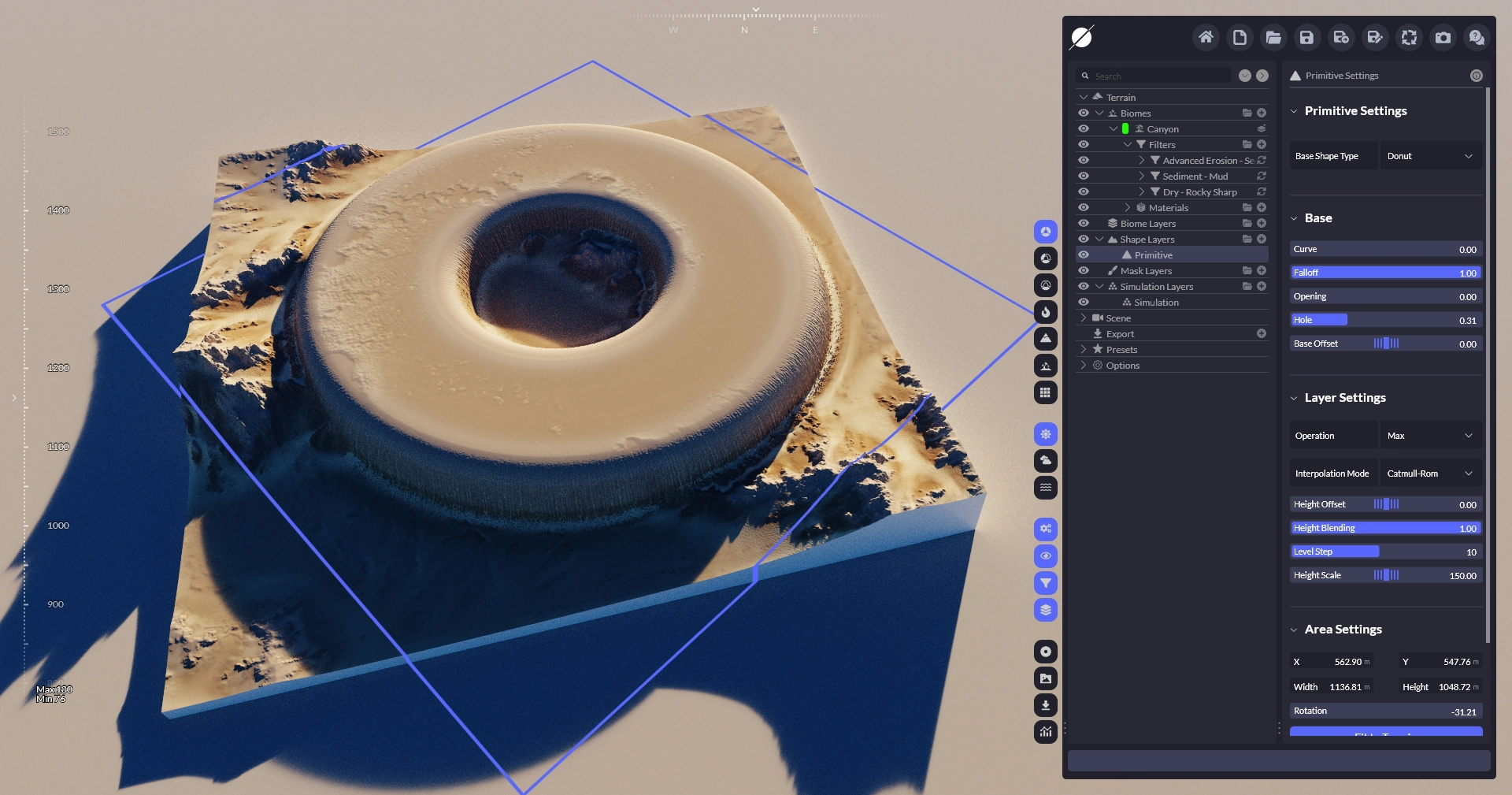
### 甜甜圈

{% tabs %}
{% tab title="结果" %}

<div><figure><img src="/files/bb7bc12f13bbddc71b81e6f35aadd36c2cf99522" alt=""><figcaption></figcaption></figure> <figure><img src="/files/06daaa03f3b9ac37ed475c5fbe751214cc170a30" alt=""><figcaption></figcaption></figure> <figure><img src="/files/4b2d7b25b550915c05cdd5ed89c918cf928f4a99" alt=""><figcaption></figcaption></figure></div>
{% endtab %}

{% tab title="参数" %}

<table><thead><tr><th width="200.4832763671875">属性</th><th>描述</th></tr></thead><tbody><tr><td><strong>曲线</strong></td><td>控制衰减的曲率。</td></tr><tr><td><strong>衰减</strong></td><td>控制衰减的宽度。</td></tr><tr><td><strong>开口</strong></td><td>允许您切出甜甜圈的一部分。</td></tr><tr><td><strong>孔</strong></td><td>控制孔的大小。</td></tr><tr><td><strong>基础偏移</strong></td><td>移动非形状的基础地形以便执行诸如 <strong>最小/最大</strong> 更有用的操作。 </td></tr></tbody></table>
{% endtab %}
{% endtabs %}

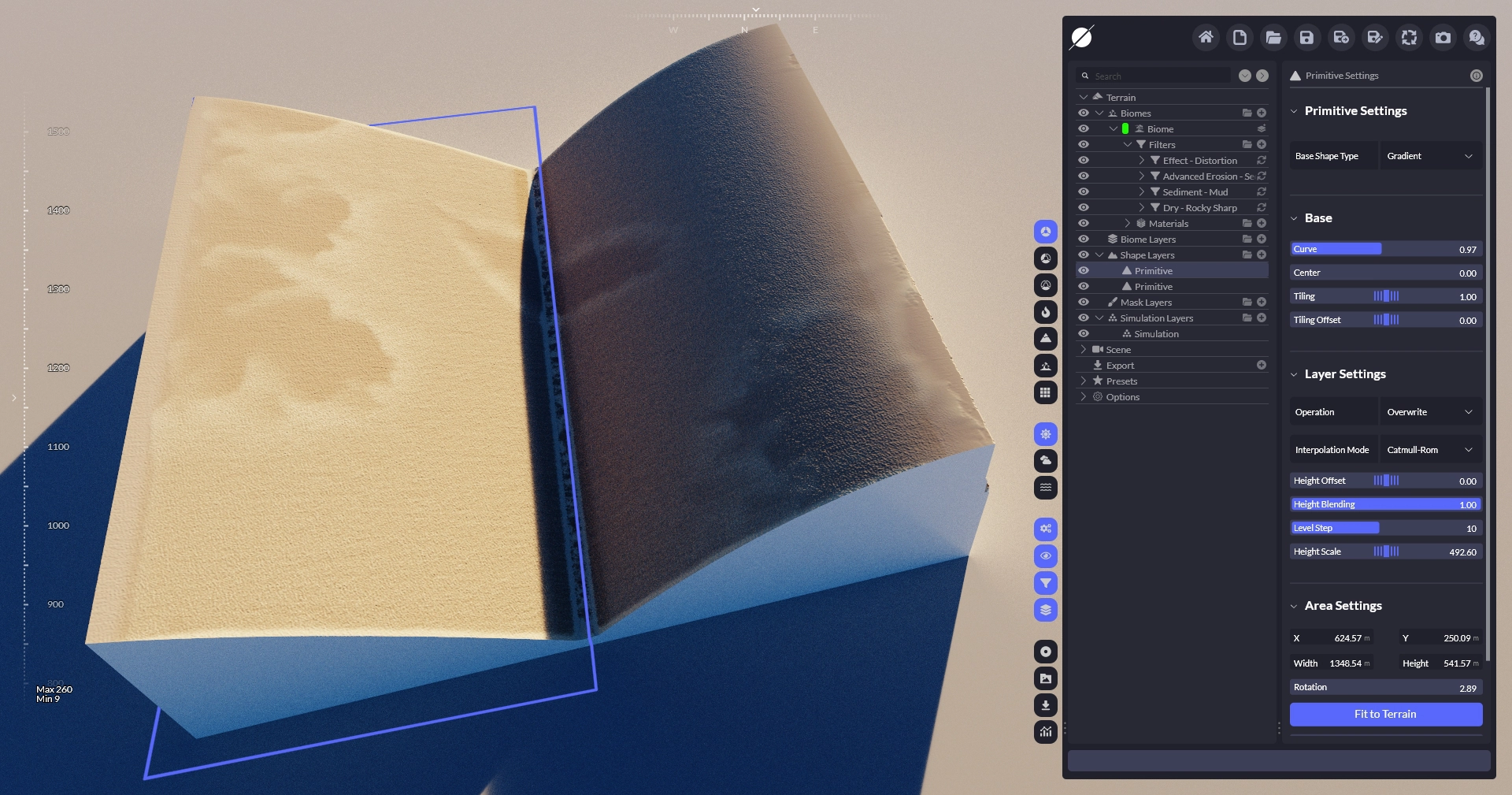
### 渐变

{% tabs %}
{% tab title="结果" %}

<div><figure><img src="/files/ea0d42c5531c32962d2f499f4a481beb5acc5b03" alt=""><figcaption></figcaption></figure> <figure><img src="/files/c2a2dd90963f1c7712a0a43fec037f704295ebb1" alt=""><figcaption></figcaption></figure> <figure><img src="/files/01553a224f52b45bbc5a57f616af17b5de8fccca" alt=""><figcaption></figcaption></figure></div>
{% endtab %}

{% tab title="参数" %}

<table><thead><tr><th width="200.4832763671875">属性</th><th>描述</th></tr></thead><tbody><tr><td><strong>曲线</strong></td><td>控制渐变的曲率。</td></tr><tr><td><strong>中心</strong></td><td>允许您定位渐变的顶部端点。</td></tr><tr><td><strong>平铺</strong></td><td>对渐变进行平铺。</td></tr><tr><td><strong>平铺偏移</strong></td><td>移动平铺的渐变。</td></tr></tbody></table>
{% endtab %}
{% endtabs %}

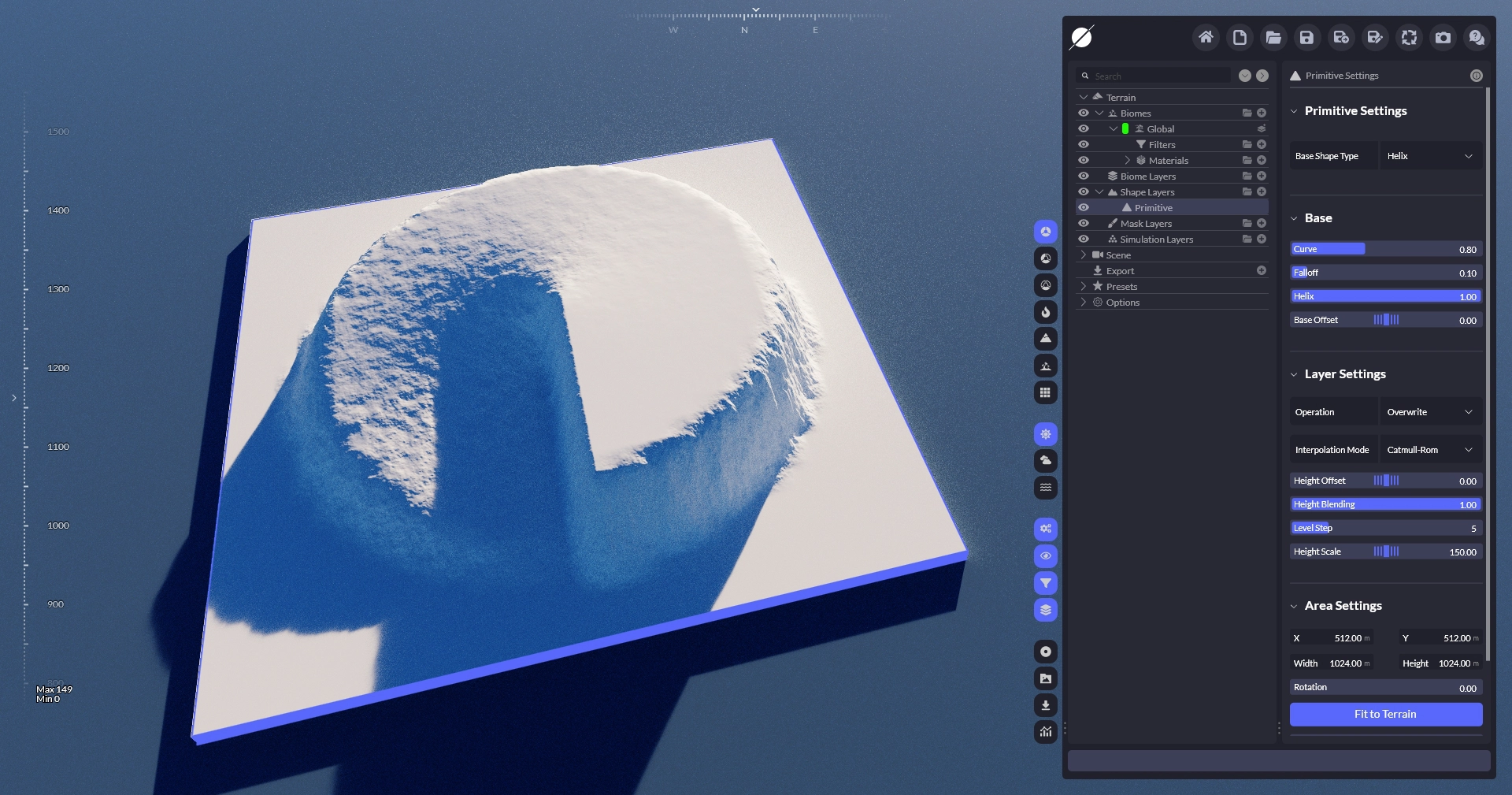
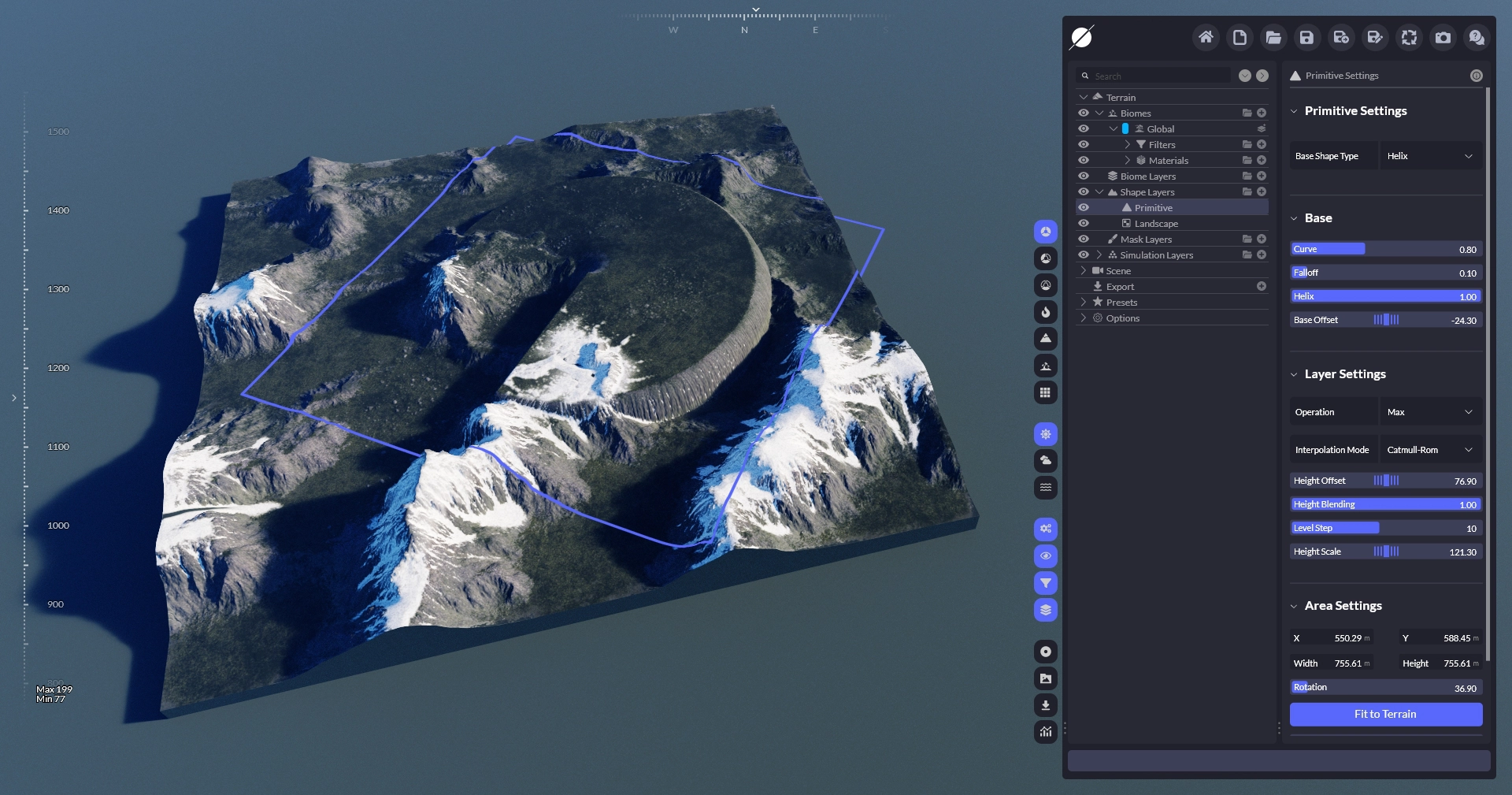
### 螺旋

{% tabs %}
{% tab title="结果" %}

<div><figure><img src="/files/adf9ceea83a27ee37f280552016f9f6f5599370a" alt=""><figcaption></figcaption></figure> <figure><img src="/files/719b7ae9f934182b9c65f42fda1c93ac906edbce" alt=""><figcaption></figcaption></figure> <figure><img src="/files/337e203f6265cc9a9e5a66f62fcc1ea6efe1f70e" alt=""><figcaption></figcaption></figure></div>
{% endtab %}

{% tab title="参数" %}

<table><thead><tr><th width="200.4832763671875">属性</th><th>描述</th></tr></thead><tbody><tr><td><strong>曲线</strong></td><td>控制衰减的曲率。</td></tr><tr><td><strong>衰减</strong></td><td>控制衰减的宽度。</td></tr><tr><td><strong>螺旋</strong></td><td>在圆的起点和终点之间增加高度差以创建渐变。</td></tr><tr><td><strong>基础偏移</strong></td><td>移动非形状的基础地形以便执行诸如 <strong>最小/最大</strong> 更有用的操作。 </td></tr></tbody></table>
{% endtab %}
{% endtabs %}

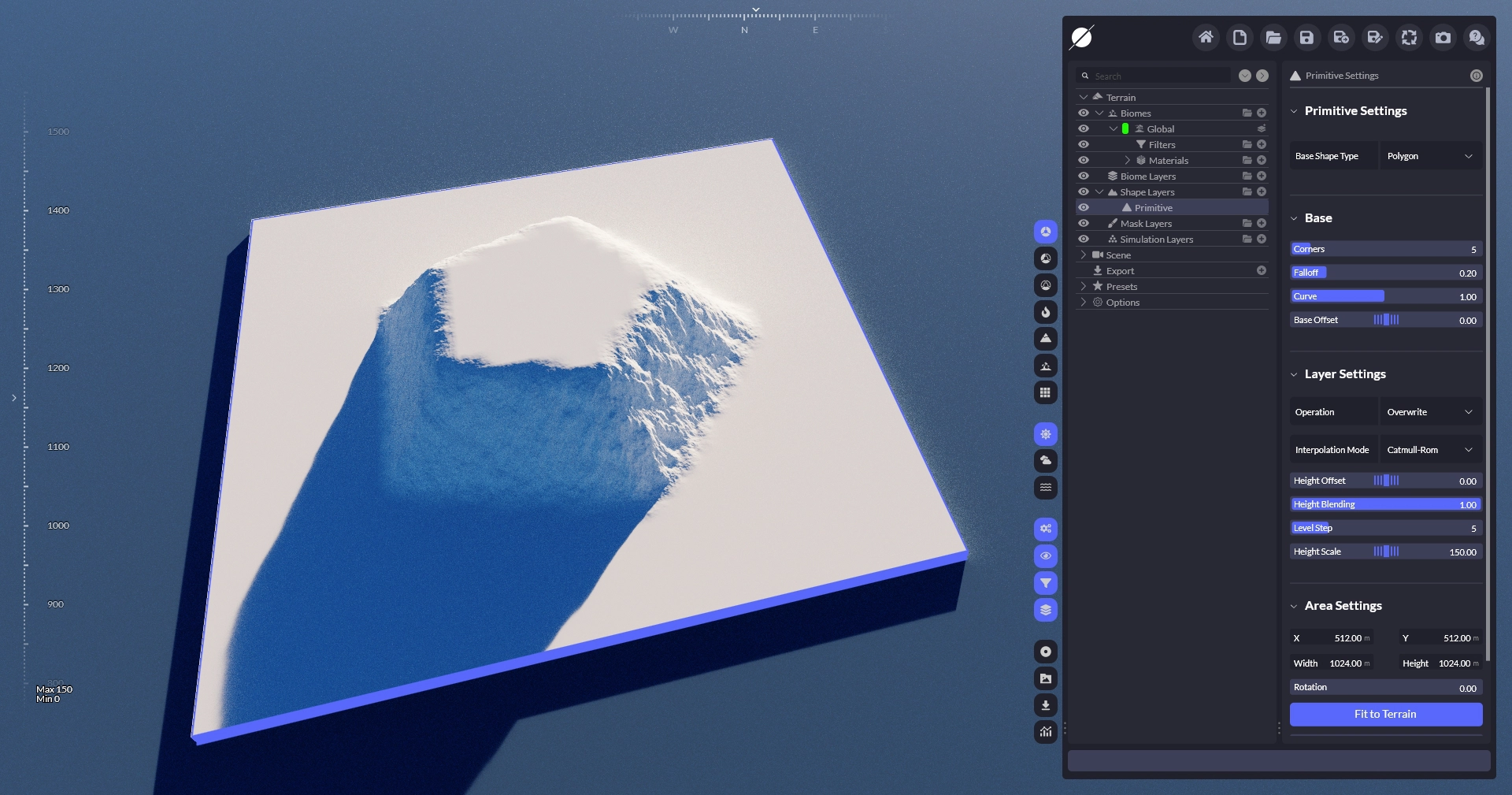
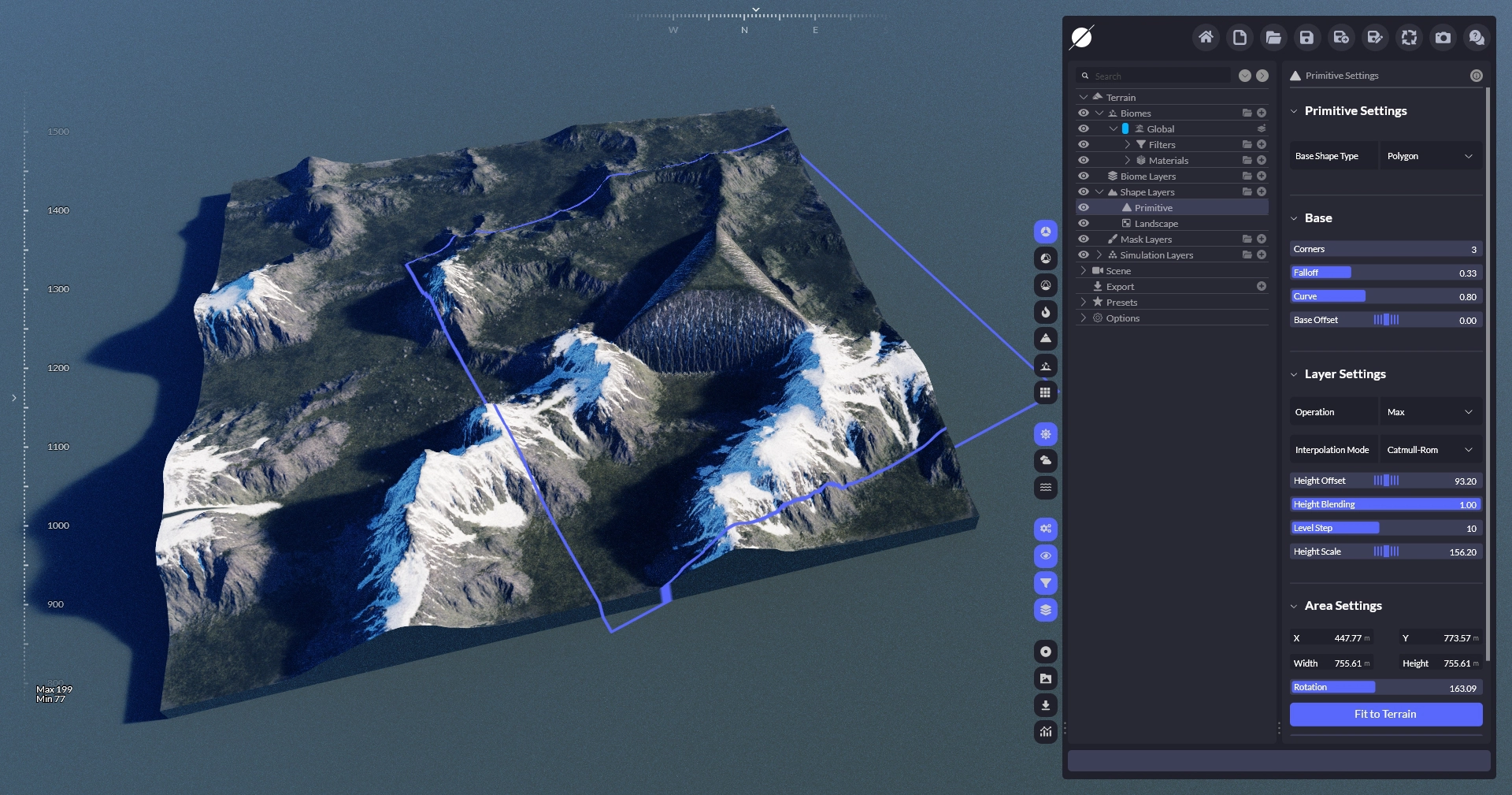
### 多边形

{% tabs %}
{% tab title="结果" %}

<div><figure><img src="/files/bcb7eb76ee386fdd9981b269c8897ab170ac7314" alt=""><figcaption></figcaption></figure> <figure><img src="/files/f1bc7b48812d3d024ad2aec9bc1bbd8a624abffa" alt=""><figcaption></figcaption></figure> <figure><img src="/files/1ba059a317db7e5e12d0154f2ad62895732495c0" alt=""><figcaption></figcaption></figure></div>
{% endtab %}

{% tab title="参数" %}

<table><thead><tr><th width="200.4832763671875">属性</th><th>描述</th></tr></thead><tbody><tr><td><strong>角数</strong></td><td>控制多边形的角。</td></tr><tr><td><strong>衰减</strong></td><td>控制衰减的宽度。</td></tr><tr><td><strong>曲线</strong></td><td>控制衰减的曲率。</td></tr><tr><td><strong>基础偏移</strong></td><td>移动非形状的基础地形以便执行诸如 <strong>最小/最大</strong> 更有用的操作。 </td></tr></tbody></table>
{% endtab %}
{% endtabs %}

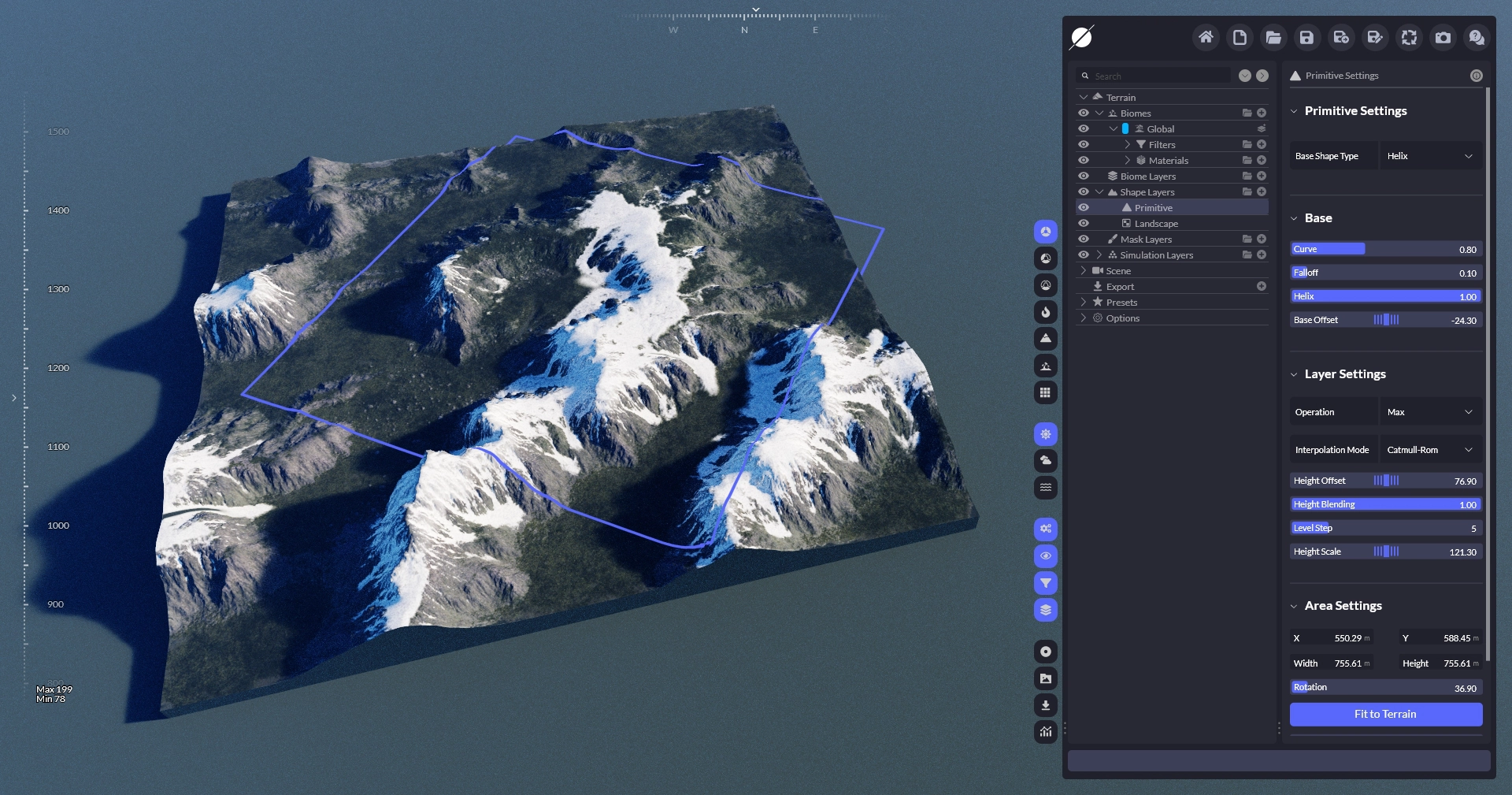
### 正方形

{% tabs %}
{% tab title="结果" %}

<div><figure><img src="/files/3fd13868e885c49de3fe36eb55d8b28676d87327" alt=""><figcaption></figcaption></figure> <figure><img src="/files/ef470d6b8177d51fa1ccb3af6a073c1cd3dfb6ff" alt=""><figcaption></figcaption></figure> <figure><img src="/files/4acbb35d6440c8a89971e4ed3ea5480c4723d31c" alt=""><figcaption></figcaption></figure></div>
{% endtab %}

{% tab title="参数" %}

<table><thead><tr><th width="200.4832763671875">属性</th><th>描述</th></tr></thead><tbody><tr><td><strong>圆角</strong></td><td>将正方形的角进行圆角化。</td></tr><tr><td><strong>衰减</strong></td><td>控制衰减的宽度。</td></tr><tr><td><strong>曲线</strong></td><td>控制衰减的曲率。</td></tr><tr><td><strong>基础偏移</strong></td><td>移动非形状的基础地形以便执行诸如 <strong>最小/最大</strong> 更有用的操作。 </td></tr></tbody></table>
{% endtab %}
{% endtabs %}

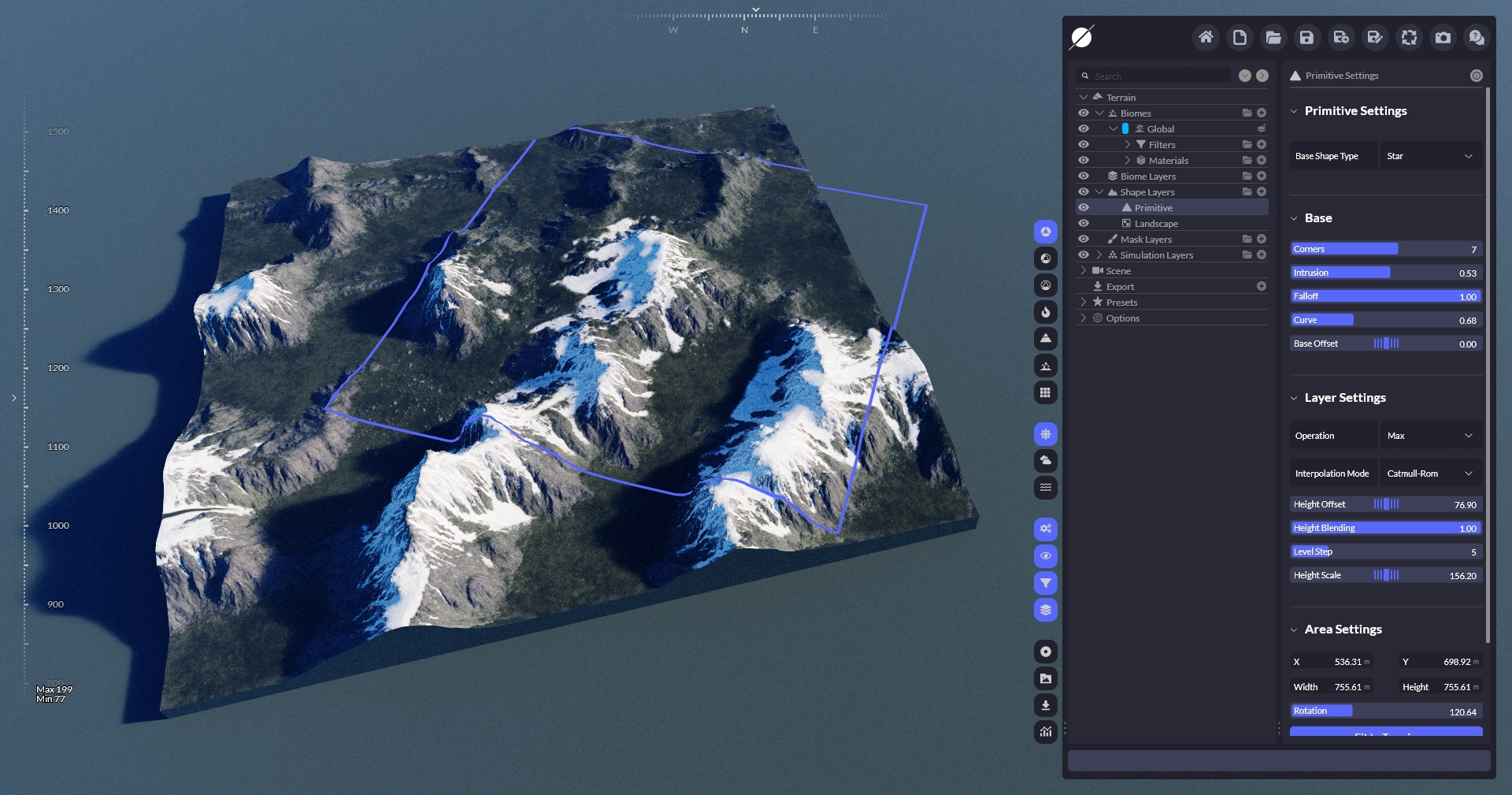
### 星形

{% tabs %}
{% tab title="结果" %}

<div><figure><img src="/files/94ed05da642b55c786a605ecf01aed222b02176f" alt=""><figcaption></figcaption></figure> <figure><img src="/files/f764638206f2c22f959a2f95715f181714bd149a" alt=""><figcaption></figcaption></figure> <figure><img src="/files/664a356957cc796d26a16f0ddc3223f00eb42d97" alt=""><figcaption></figcaption></figure></div>
{% endtab %}

{% tab title="参数" %}

<table><thead><tr><th width="200.4832763671875">属性</th><th>描述</th></tr></thead><tbody><tr><td><strong>角数</strong></td><td>控制星形的角数量。</td></tr><tr><td><strong>内凹</strong></td><td>控制星形内角的内凹深度。</td></tr><tr><td><strong>衰减</strong></td><td>控制衰减的宽度。</td></tr><tr><td><strong>曲线</strong></td><td>控制衰减的曲率。</td></tr><tr><td><strong>基础偏移</strong></td><td>移动非形状的基础地形以便执行诸如 <strong>最小/最大</strong> 更有用的操作。 </td></tr></tbody></table>
{% endtab %}
{% endtabs %}


---

# Agent Instructions
This documentation is published with GitBook. GitBook is the documentation platform designed so that both humans and AI agents can read, navigate, and reason over technical content effectively. Learn more at gitbook.com.

## Querying This Documentation
If you need additional information that is not directly available in this page, you can query the documentation dynamically by asking a question.

Perform an HTTP GET request on the current page URL with the `ask` query parameter, and the optional `goal` query parameter:

```
GET https://docs.world-creator.com/zh/can-kao/terrain/shape-layers/primitive.md?ask=<question>&goal=<endgoal>
```

`ask` is the immediate question: it should be specific, self-contained, and written in natural language.
`goal` is optional and describes the broader end goal you are ultimately trying to accomplish on behalf of the user. GitBook uses it to tailor the answer towards what is most useful for that goal.

The response will contain a direct answer to the question and relevant excerpts and sources from the documentation.

Use this mechanism when the answer is not explicitly present in the current page, you need clarification or additional context, or you want to retrieve related documentation sections.