# Steep

## **Overview**

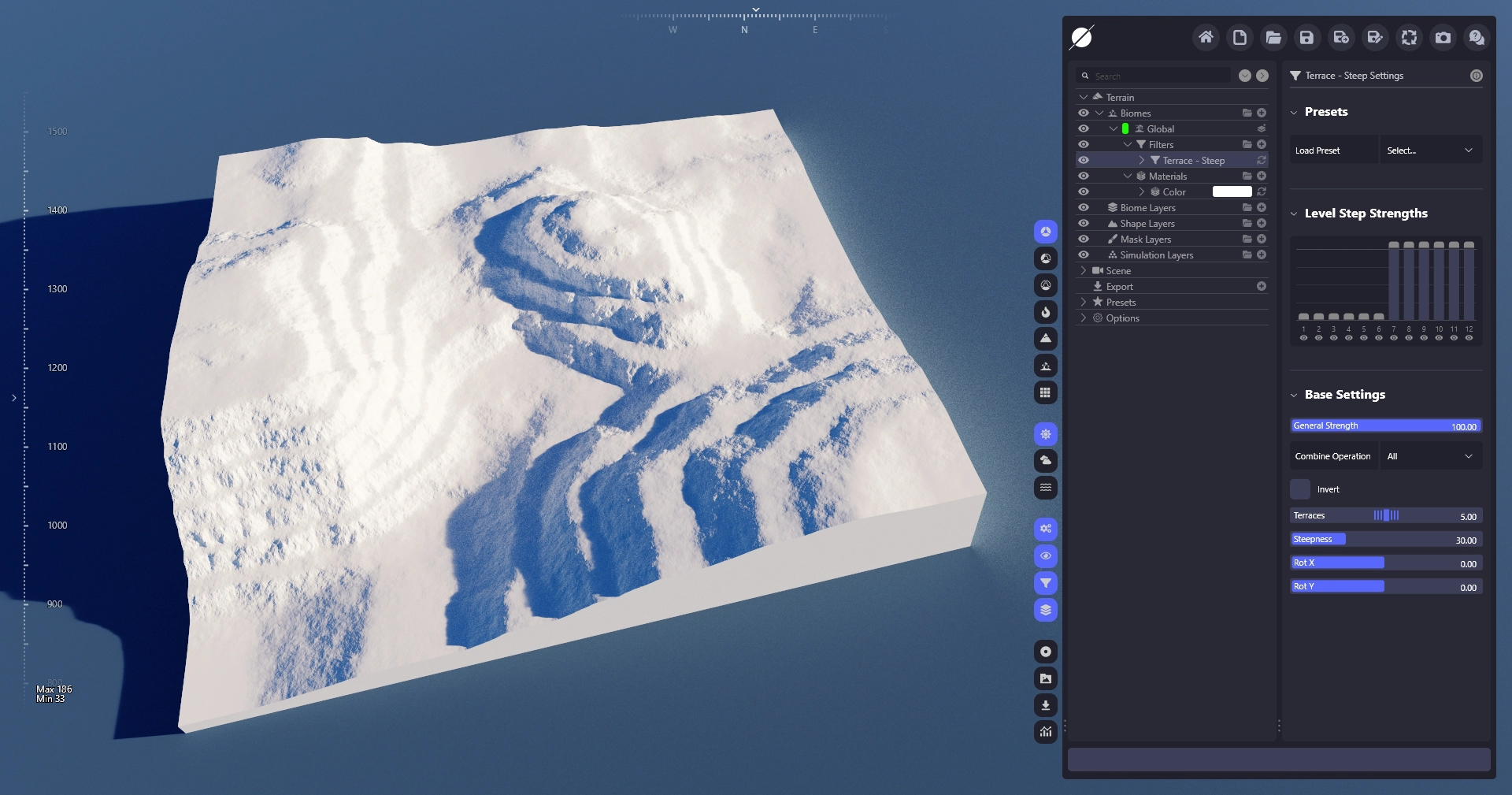
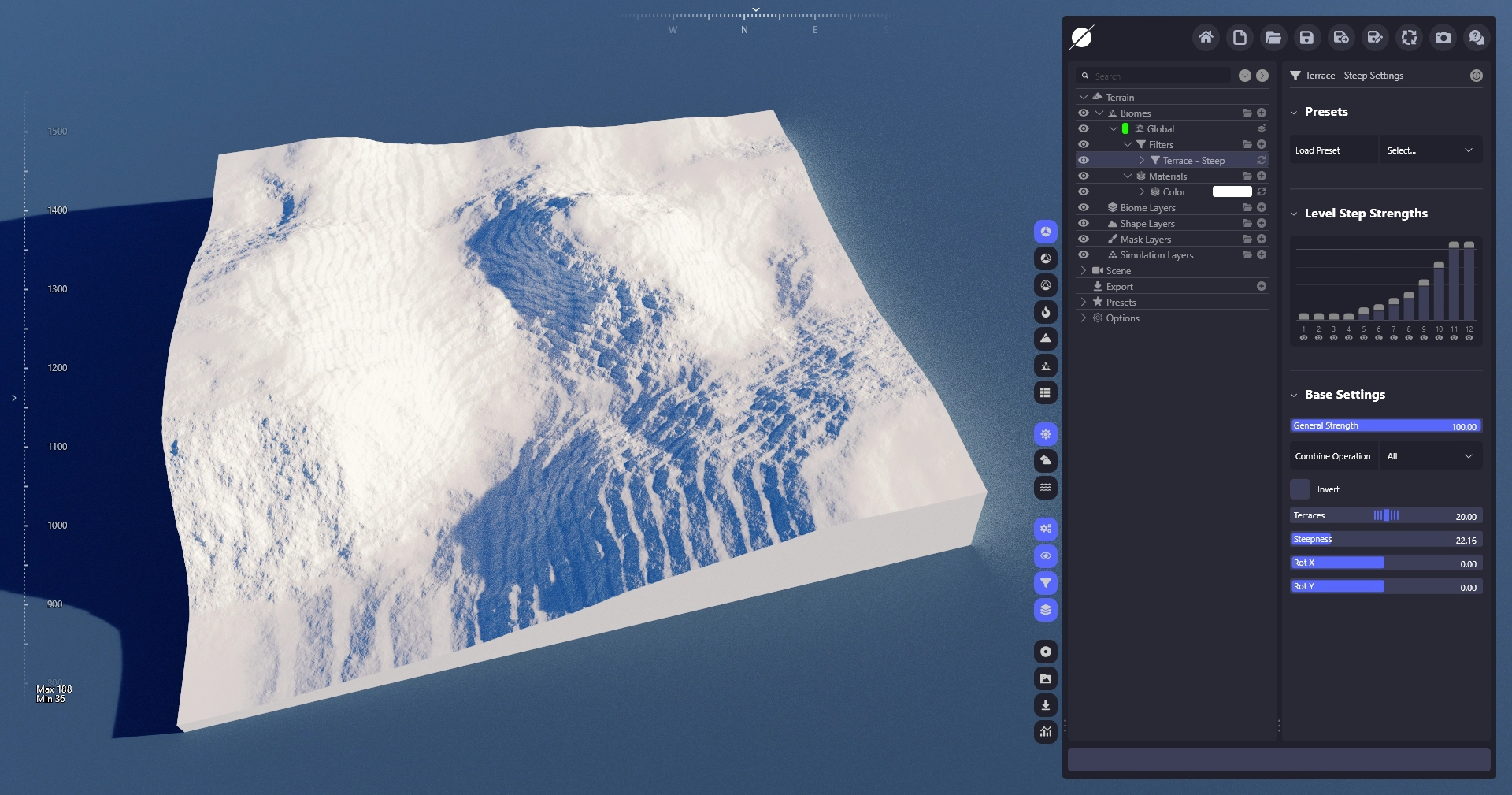
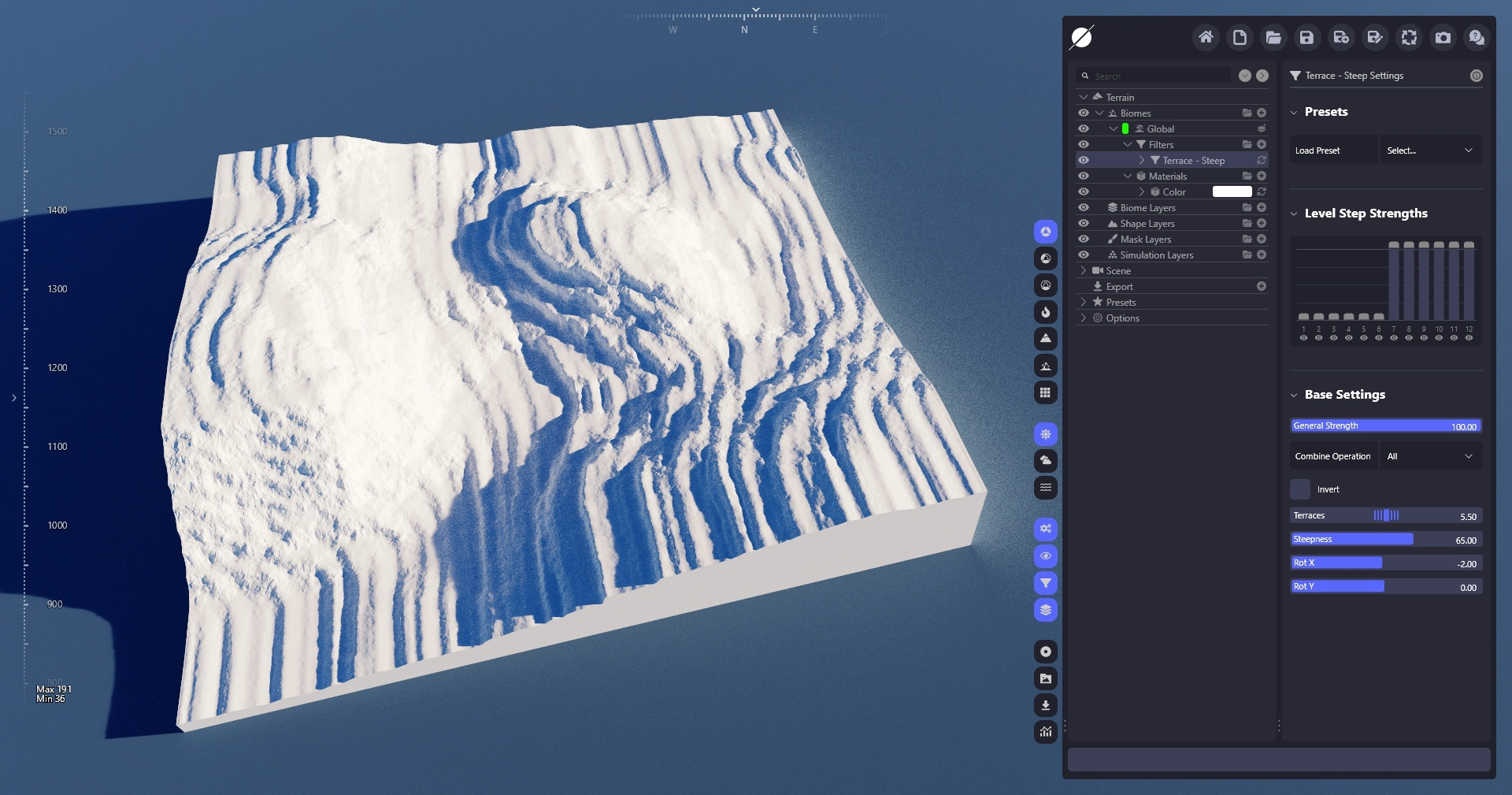
The Steep Terraces filter allows you to add terraces to your terrain. It offers a variety of parameters to customize and adjust the terraces to your needs.

## **Parameters**

<table><thead><tr><th width="199.7999267578125">Property</th><th>Description</th></tr></thead><tbody><tr><td><strong>Height Range</strong></td><td>Sets the height range in which terraces will be created.</td></tr><tr><td><strong>Terraces</strong></td><td>The number of terraces that will be created in the set range.</td></tr><tr><td><strong>Steepness</strong></td><td>Controls the steepness of the vertical walls of the terraces.</td></tr><tr><td><strong>Intensity</strong></td><td>Controls how strong the terracing effect is on each terrace. A lower value will create a really sharp height map while higher values will keep more of the noise of the original terrain.</td></tr><tr><td><strong>Top Falloff</strong></td><td>Allows you to smooth the upper edge of the vertical terrace walls.</td></tr><tr><td><strong>Rot X</strong></td><td>Shifts the terraces angle. This allows you to create tilted terraces. The slanted terraces work best when the filter only runs on one level step.</td></tr><tr><td><strong>Rot Y</strong></td><td>Rotates the terrace angle around the up axis. To have a visible effect Rot X may not be 0.</td></tr></tbody></table>

## **Results**

<div><figure><img src="/files/ficxqtWFeCInfKVxptKX" alt=""><figcaption></figcaption></figure> <figure><img src="/files/BdTxF6Tqg2deMlc4sv4P" alt=""><figcaption></figcaption></figure> <figure><img src="/files/wNjJkW8RMQa9MWEnI1q7" alt=""><figcaption></figcaption></figure></div>


---

# Agent Instructions: Querying This Documentation

If you need additional information that is not directly available in this page, you can query the documentation dynamically by asking a question.

Perform an HTTP GET request on the current page URL with the `ask` query parameter:

```
GET https://docs.world-creator.com/reference/terrain/biome/filters/terrace/steep.md?ask=<question>
```

The question should be specific, self-contained, and written in natural language.
The response will contain a direct answer to the question and relevant excerpts and sources from the documentation.

Use this mechanism when the answer is not explicitly present in the current page, you need clarification or additional context, or you want to retrieve related documentation sections.