> For the complete documentation index, see [llms.txt](https://docs.world-creator.com/llms.txt). Markdown versions of documentation pages are available by appending `.md` to page URLs; this page is available as [Markdown](https://docs.world-creator.com/ja/rifarensu/terrain/shape-layers.md).
# シェイプレイヤー
## **概要**
Shapeレイヤーは、World Creatorが地形の大まかな輪郭を作成する方法です。これらは地形の基本形状を作成するためのさまざまなオプションを提供し、その後World Creatorの [フィルター](/ja/rifarensu/terrain/baimu/filters.md) と [シミュレーションレイヤー](/ja/rifarensu/terrain/simulation-layers.md).
Shapeレイヤーは通常、 [レベルステップシステム](/ja/wkusur/terrain-setup/level-step-system.md)の下位レベルで動作し、フィルターやシミュレーションが最終結果を強化するための十分なレイヤーを持てるようにしますが、いつでも手動でレイヤーを上書きして正確に望む地形を作成することもできます。
***
## 共通パラメータ
### レイヤー設定
レイヤー設定は、Shapeレイヤーが地形の他の部分とどのように組み合わされるか、またその効果の強さを制御します。
| 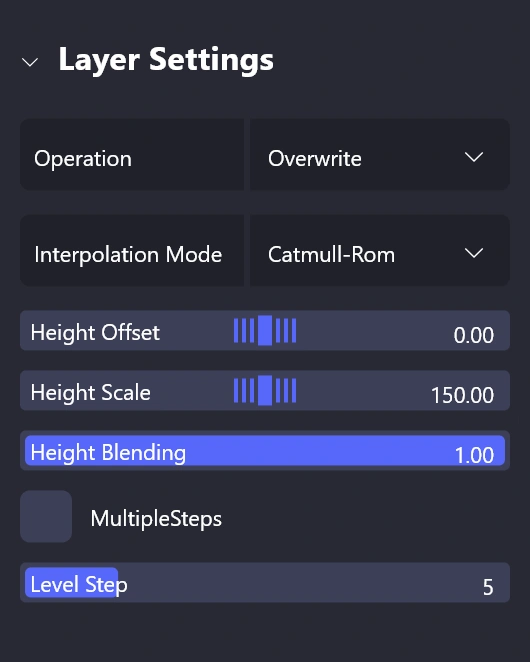 |
| - 演算
Shapeレイヤーが地形とどのように合成されるか。 - 補間モード
テクスチャサンプリングのための異なる補間モード。テクスチャベースのShapeレイヤーでのみ利用可能です。 - 高さオフセット
Shapeレイヤーを垂直方向にオフセットします。 - 高さスケール
Shapeレイヤーの垂直方向のスケールを調整します。 - 高さブレンド
Shapeレイヤーの強度を制御します。 - レベルステップ
Shapeレイヤーが適用されるレベルステップ。複数のレベルステップに挿入するよう切り替えることができます。
|
| ----------------------------------------------------------------------------------------------------------------------------------------------------------------------------------------------------------------------------------------------------------------------------------------- | -------------------------------------------------------------------------------------------------------------------------------------------------------------------------------------------------------------------------------------------------------------------------------------------------------------------------------------------------------------------------------------------------------------------------------------------------------------------------------------------------------------------------------------------------------------- |
#### **操作**
World Creatorは次の操作を提供します:
#### **補間モード**
World Creatorは次の補間モードを提供します:
### 領域設定
領域設定では、Shapeレイヤーを地形上に自由に配置でき、地形に馴染ませるための簡単なコントロールを提供します。
|  | - X/Y
地形上の領域の位置。 - 領域スケール
領域のサイズ。 - 回転
領域の回転 - 地形に合わせる
領域を地形の全サイズに合わせます。 - ブレンディング
Shapeレイヤー全体の不透明度を制御します。 - ブレンドサイズ
領域にフェードインを追加します。 - ブレンドの丸み
フェースの角を丸めます。
|
| --------------------------------------------------------------------------------------------------------------------------------------------------------------------------------------------------------------------------------------------------- | ------------------------------------------------------------------------------------------------------------------------------------------------------------------------------------------------------------------------------------------------------------------------------------------------------------------------------------------------------------ |
***
## **利用可能なShapeレイヤー**
World Creatorは、望む地形を作成するのに役立つさまざまなShapeレイヤータイプを提供しており、今後さらに多くのShapeレイヤーが追加される予定です。以下のShapeレイヤーが現在World Creatorで利用可能です:
### [**スカルプトレイヤー**](/ja/rifarensu/terrain/shape-layers/sculpt.md)
スカルプトレイヤーを使うと、ブラシや変形ツールを用いて地形の基本形状を作成できます。ZBrushのような従来のスカルプトブラシ方式でも、グリッドベースの変形ツールでも使用できます。
### [2Dスタンプレイヤー ](/ja/rifarensu/terrain/shape-layers/2d-stamp.md)
既に使用したいハイトマップがある場合、2Dスタンプレイヤーが最適です。既存のデータを地形に配置してブレンドするための簡単で直感的な方法を提供し、World Creatorのその他のプロシージャルなワークフローにうまく統合されます。
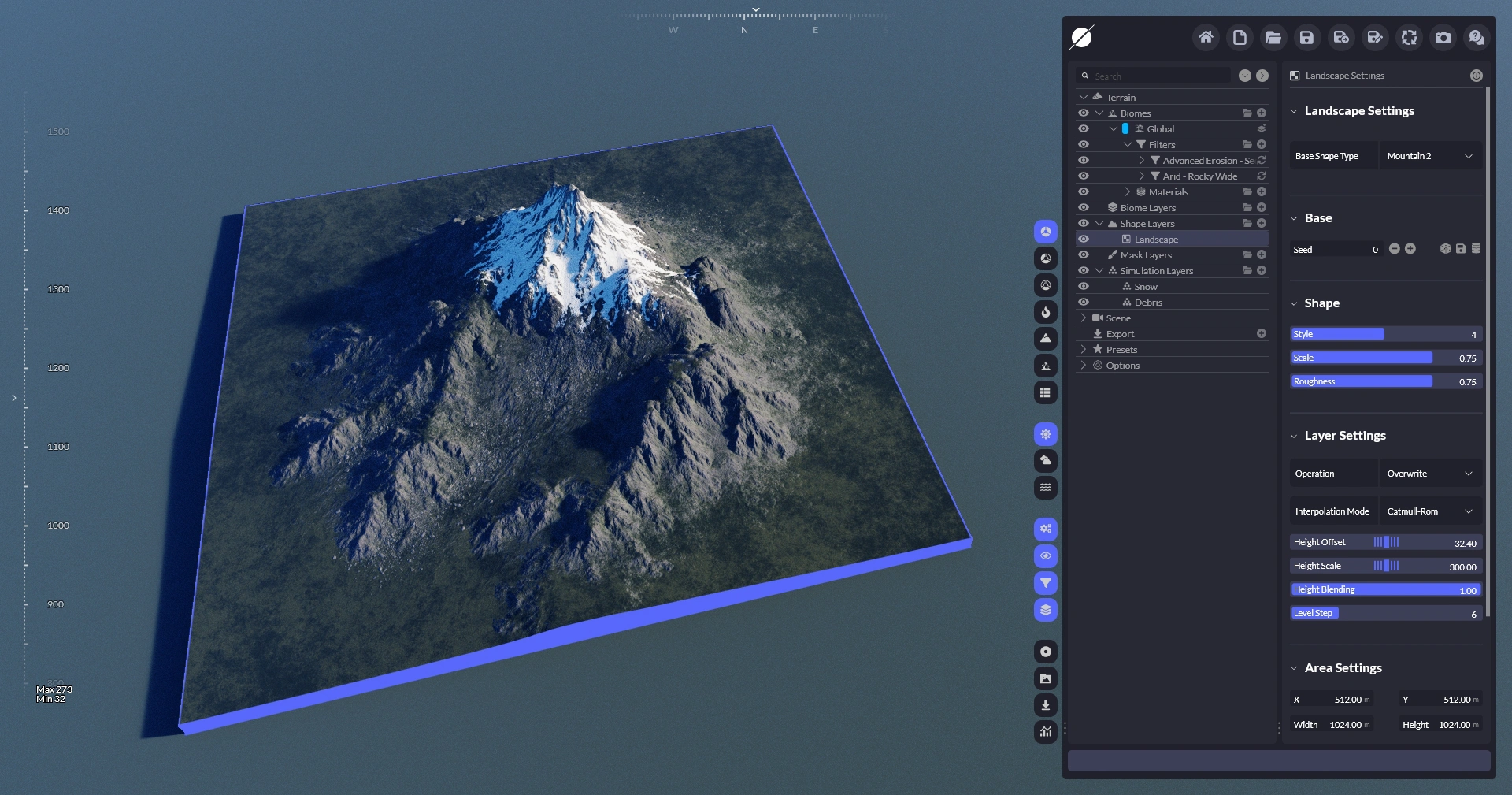
### [ランドスケープレイヤー ](/ja/rifarensu/terrain/shape-layers/landscape.md)
このShapeレイヤータイプは現在、山脈、クレーター、火山、島などのプロシージャルなパターンを提供しており、それぞれ地形の特徴を好みに合わせてカスタマイズするための独自のパラメーターセットがあります。
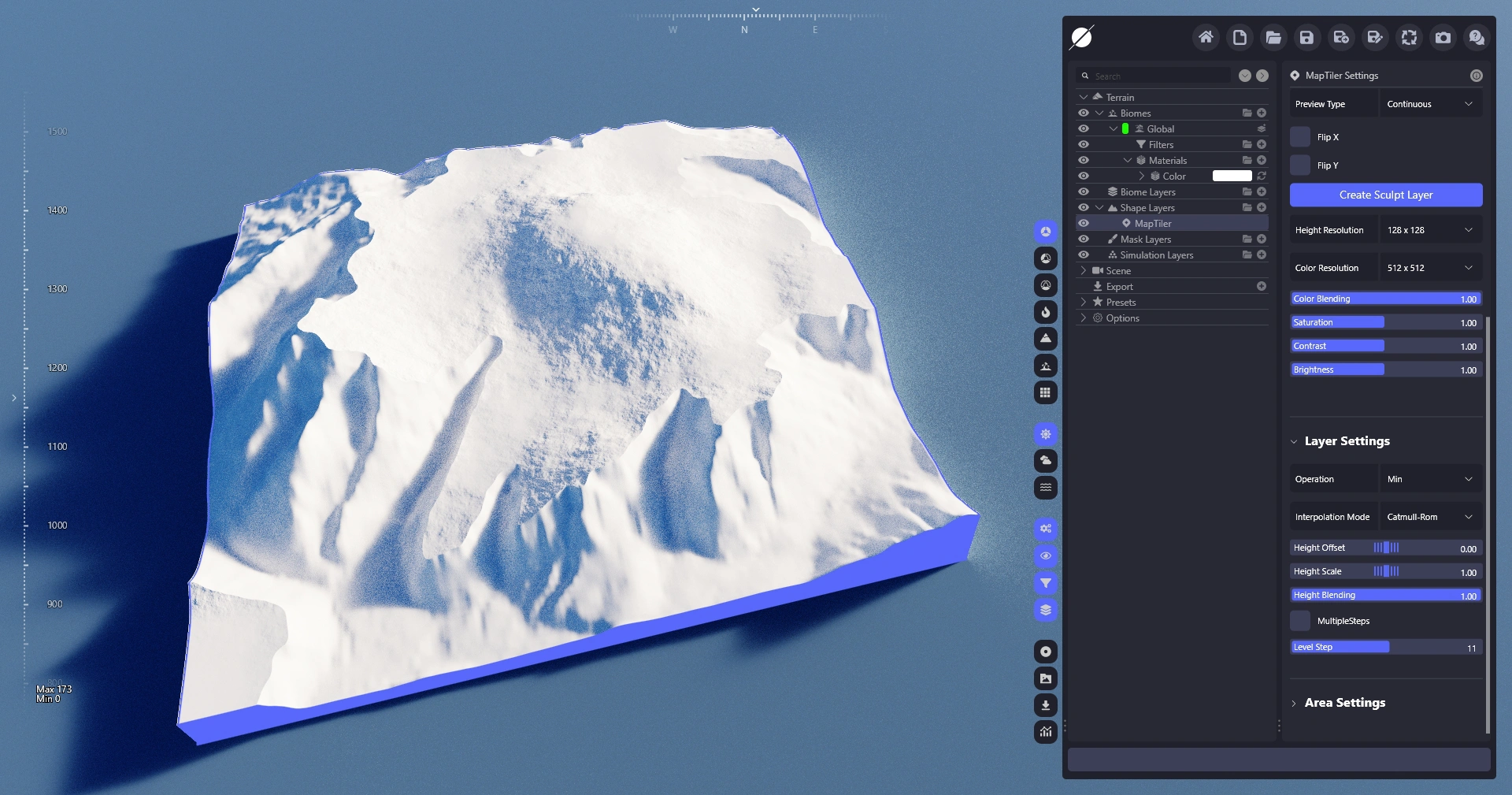
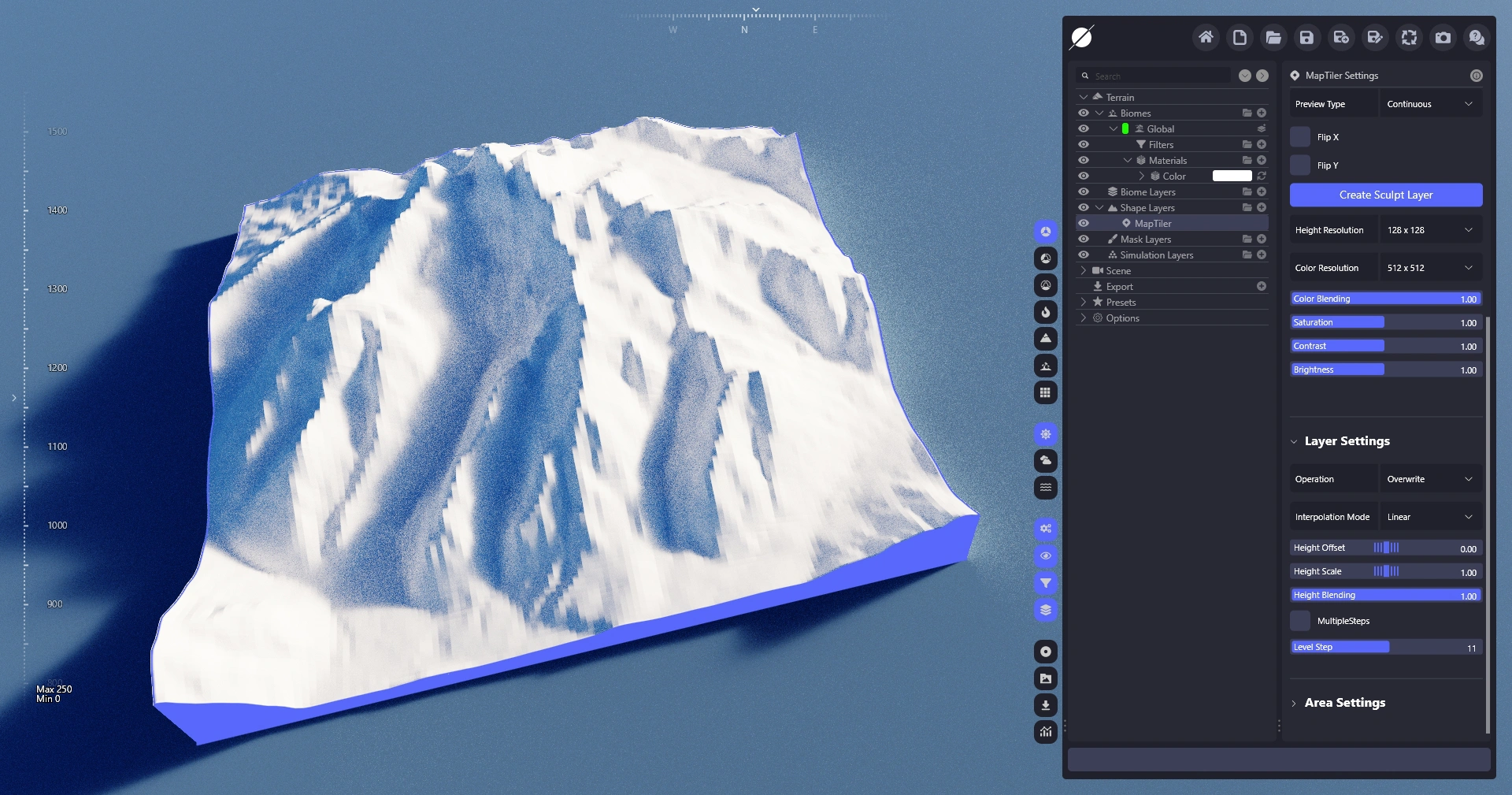
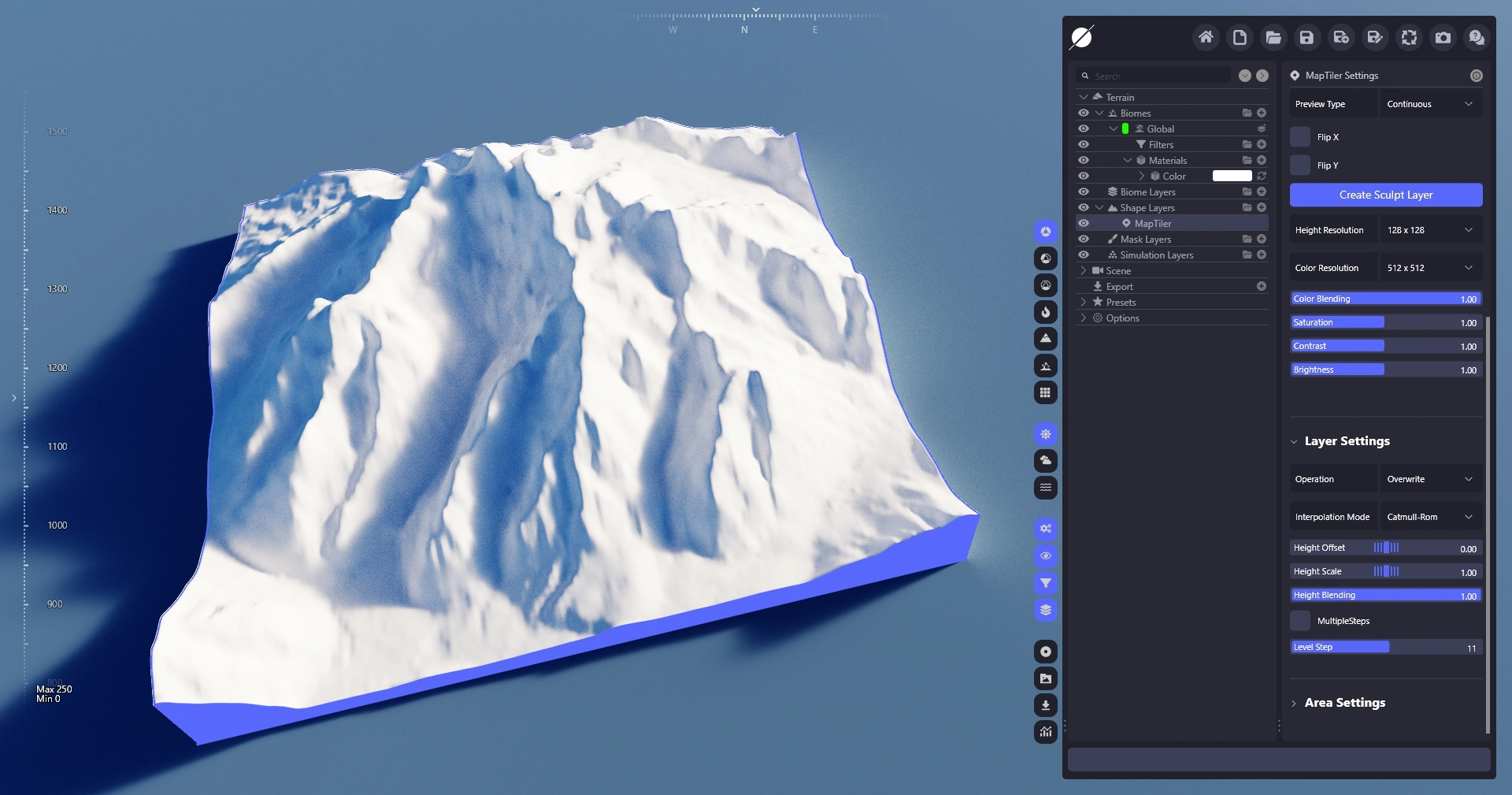
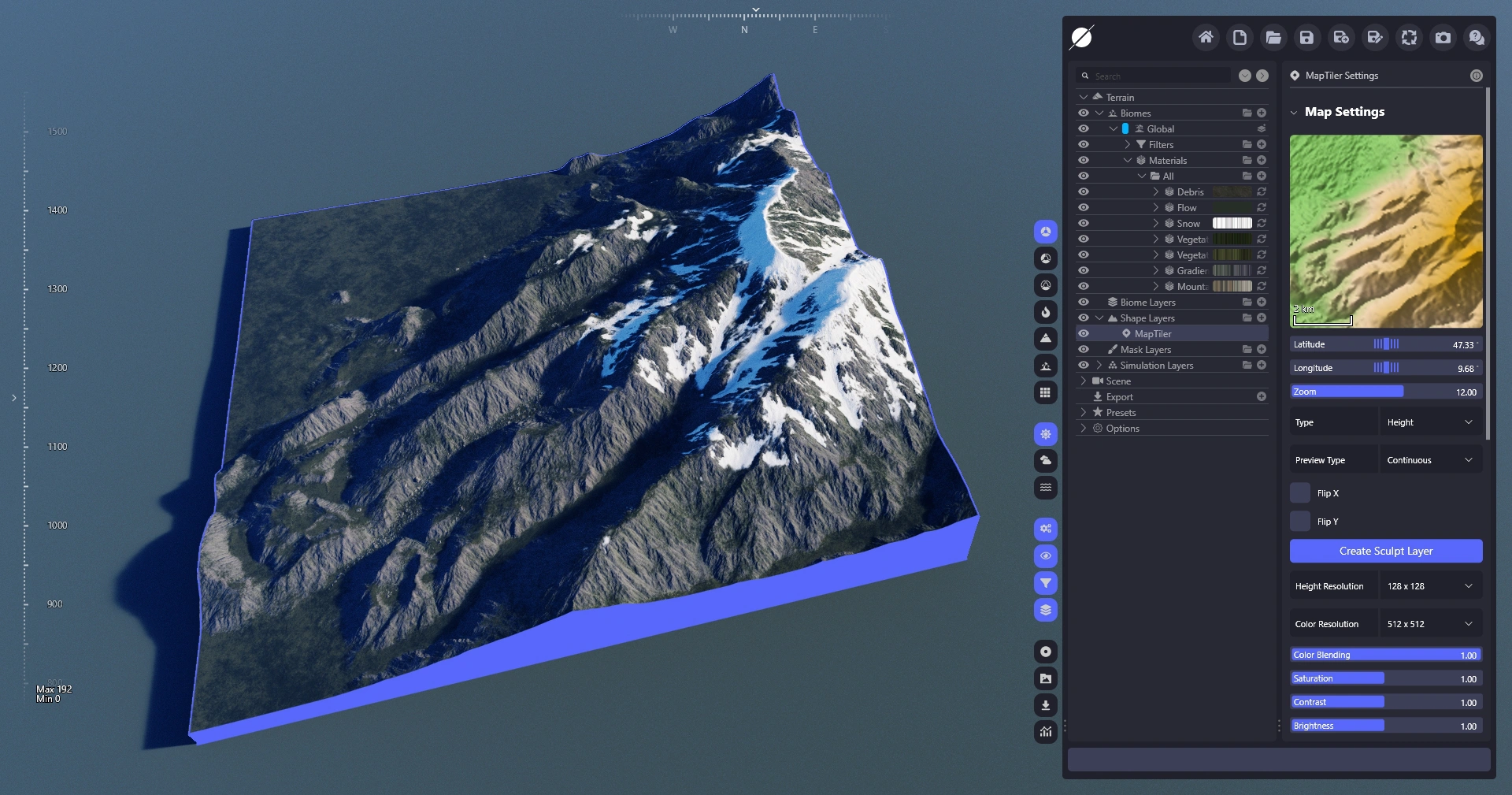
### [MapTiler レイヤー ](/ja/rifarensu/terrain/shape-layers/maptiler.md)
MapTilerレイヤーは、高品質な実世界の標高データをWorld Creatorに直接統合する機能を提供します。レイヤーを追加し、MapTilerの記事に記載されたログイン手順に従い(一度だけ行えばよい)、地形に追加したい実世界の場所を見つけるだけで、World Creatorのフィルターが結果を強化します。
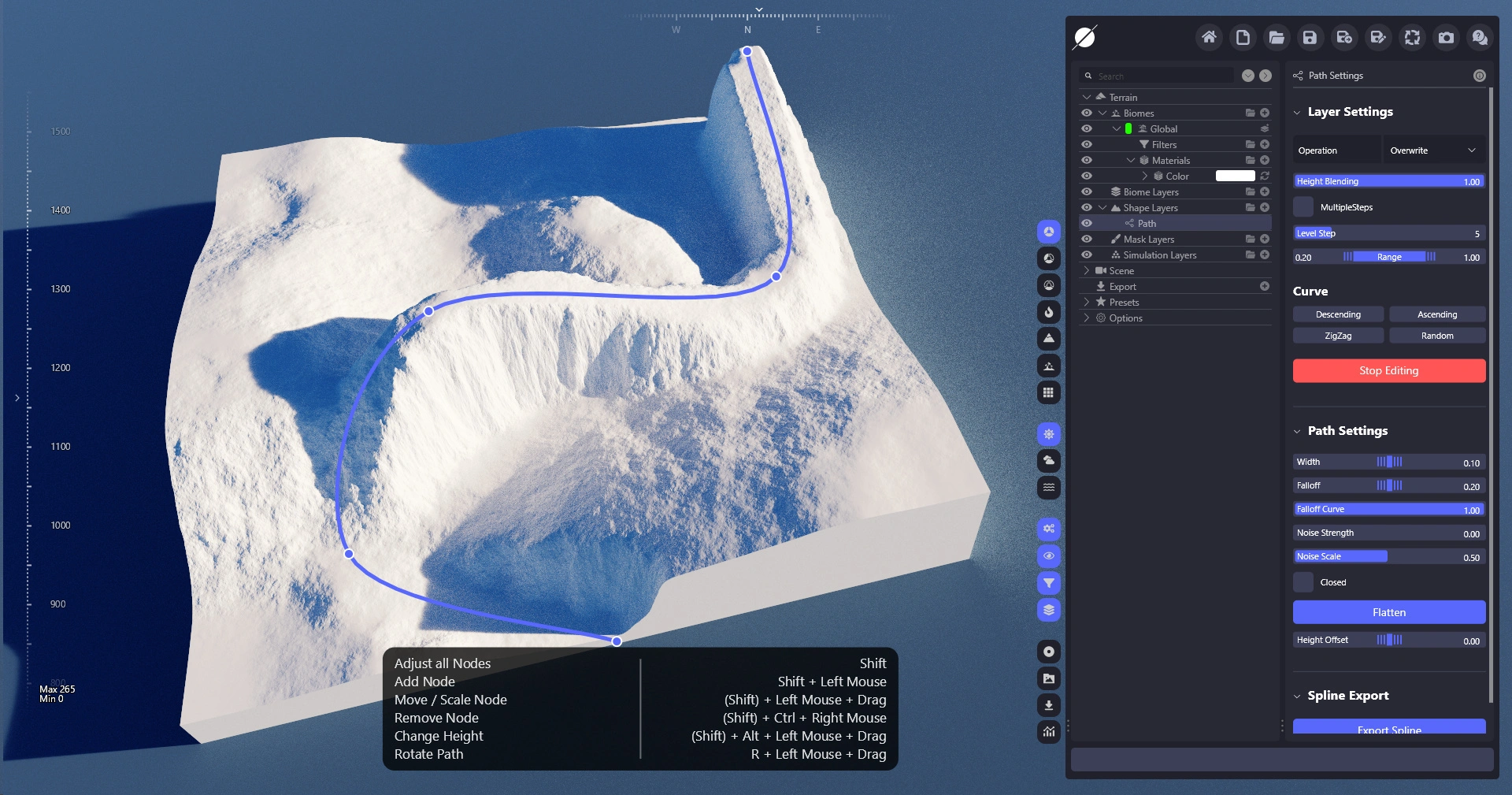
### [パスレイヤー ](/ja/rifarensu/terrain/shape-layers/path.md)
パスレイヤーを使用すると、地形を低レベルで変更して山や谷を作成したり、その機能を使って道路などの小さなディテールを作成したりできます。
### [ポリゴンレイヤー ](/ja/rifarensu/terrain/shape-layers/polygon.md)
ポリゴンレイヤーでは、個別の頂点を配置してカスタム形状を作成できます。その後、形状の内側と外側の高さや傾斜を制御して、地形に大きな地形特徴を作成できます。
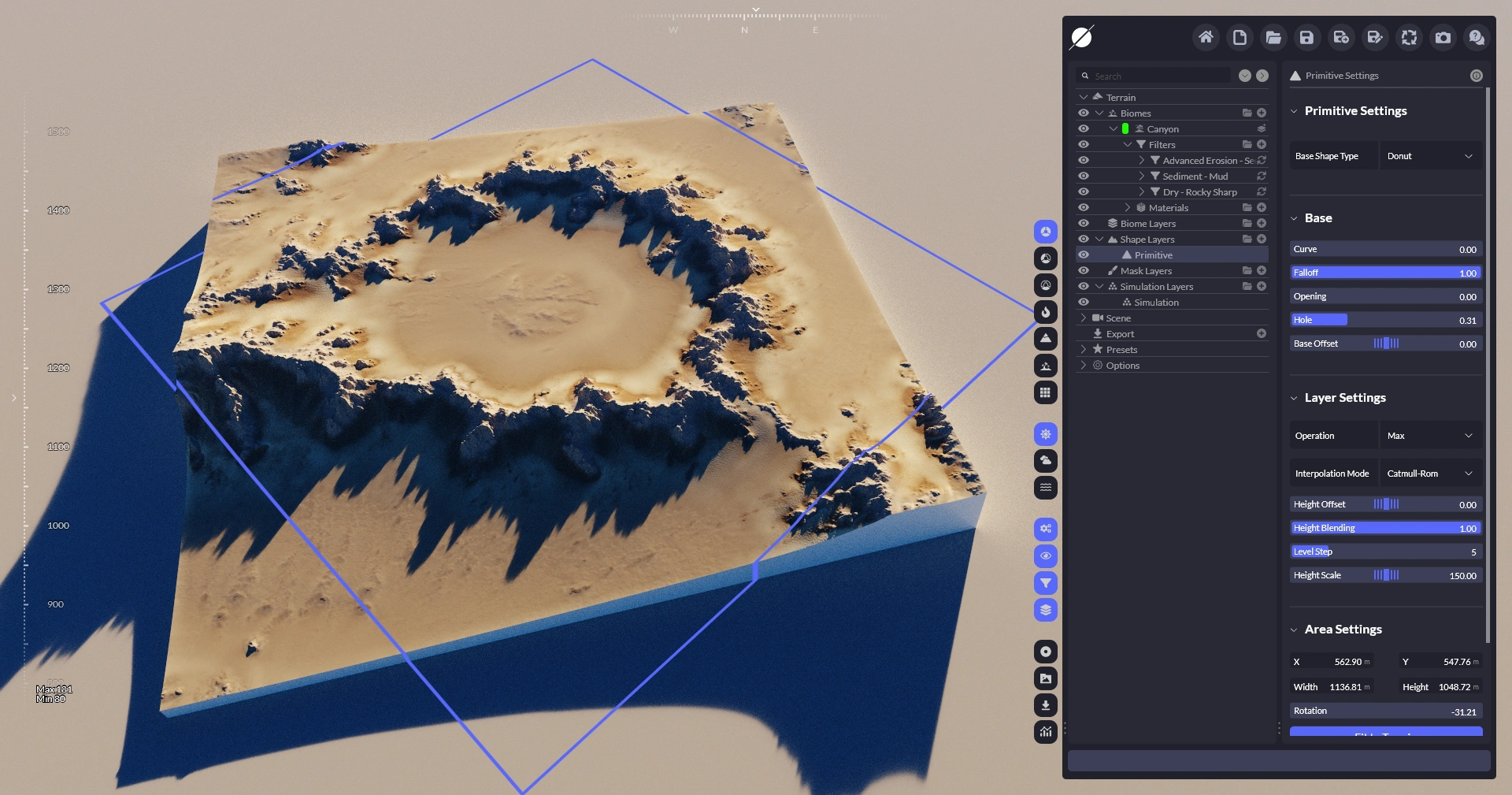
### [プリミティブレイヤー ](/ja/rifarensu/terrain/shape-layers/primitive.md)
プリミティブレイヤーはランドスケープレイヤーと似ており、地形にプロシージャルな形状を追加しますが、円、グラデーション、ポリゴンなどの基本的な幾何学形状のみを提供します。
### [リバーズレイヤー ](/ja/rifarensu/terrain/shape-layers/rivers.md)
リバーレイヤーを使うと、地形に川や谷を追加できます。理想的な河川ネットワークを作成するために、さまざまな河川タイプと完全なカスタマイズ機能を提供します。
---
# Agent Instructions
This documentation is published with GitBook. GitBook is the documentation platform designed so that both humans and AI agents can read, navigate, and reason over technical content effectively. Learn more at gitbook.com.
## Querying This Documentation
If you need additional information that is not directly available in this page, you can query the documentation dynamically by asking a question.
Perform an HTTP GET request on the current page URL with the `ask` query parameter, and the optional `goal` query parameter:
```
GET https://docs.world-creator.com/ja/rifarensu/terrain/shape-layers.md?ask=&goal=
```
`ask` is the immediate question: it should be specific, self-contained, and written in natural language.
`goal` is optional and describes the broader end goal you are ultimately trying to accomplish on behalf of the user. GitBook uses it to tailor the answer towards what is most useful for that goal.
The response will contain a direct answer to the question and relevant excerpts and sources from the documentation.
Use this mechanism when the answer is not explicitly present in the current page, you need clarification or additional context, or you want to retrieve related documentation sections.